Editing a transaction
In Open ACU you cannot edit transactions, checkins or otherwise.
To edit a transaction you’ve already saved, first you’ll need to reverse the check-in. Click the pencil icon next to the patient’s name. In the pop-up that appears, check the box next to “Check Out This Transaction?” then click Remove Transaction. This will remove the payment transaction.
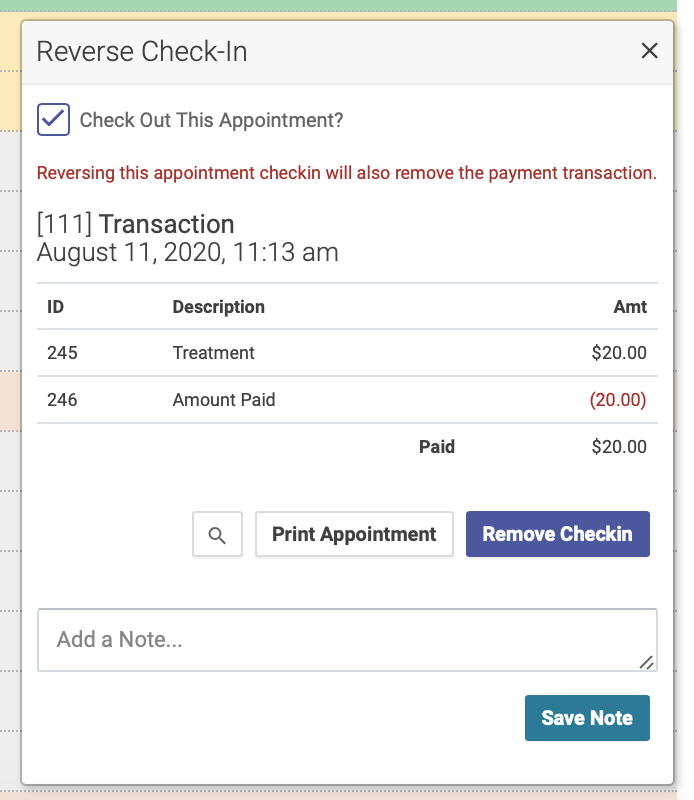
You can then check in the patient again and enter the correct transaction information.