In Open ACU you [cannot edit transactions,](https://help.openacu.net/books/admin-scheduler-help/page/cant-edit-checkins "Can't Edit Checkins") checkins or otherwise.
To edit a transaction you’ve already saved, first you’ll need to reverse the check-in. Click the pencil icon next to the patient’s name. In the pop-up that appears, check the box next to “Check Out This Transaction?” then click Remove Transaction. This will remove the payment transaction. [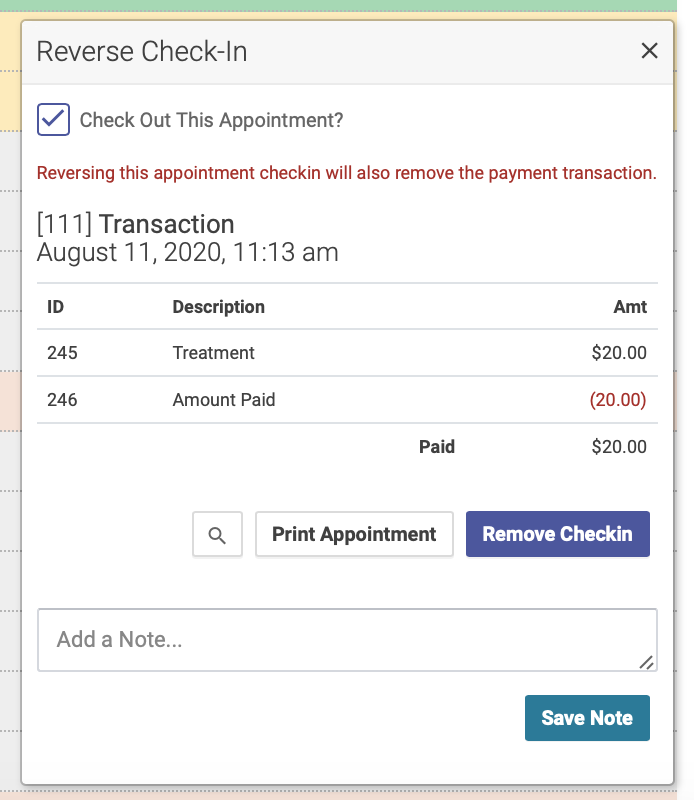](https://help.openacu.net/uploads/images/gallery/2020-08/Qdh46qKiehaby2AW-reverse-checkin.png) You can then check in the patient again and enter the correct transaction information.