Event Report
The Event Report tab shows you a list of event attendees, registration and check-in dates, payment amounts and payment methods.
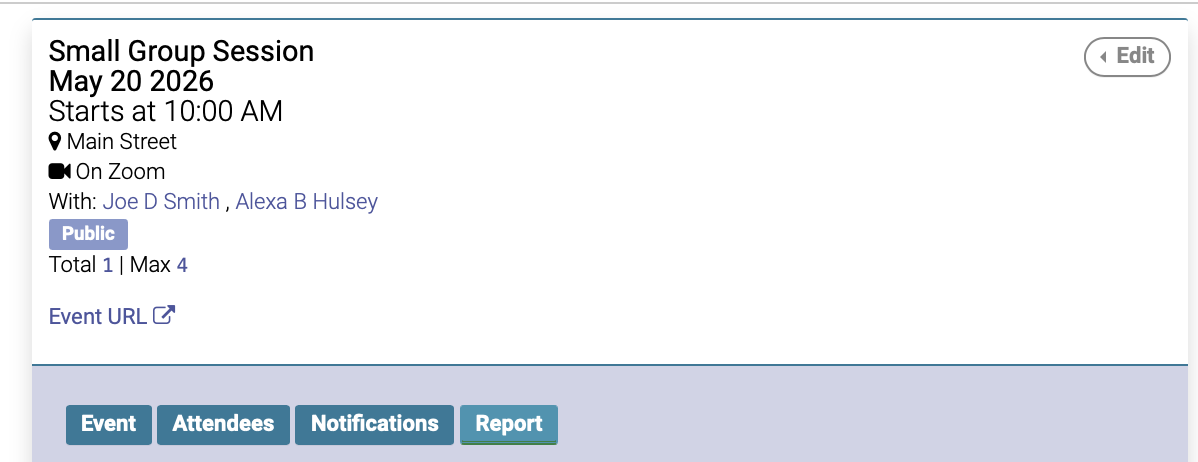
Click the Report tab on your Event Block:
You will then see a report that shows Attendees, Date registered and checked in, and payment information:
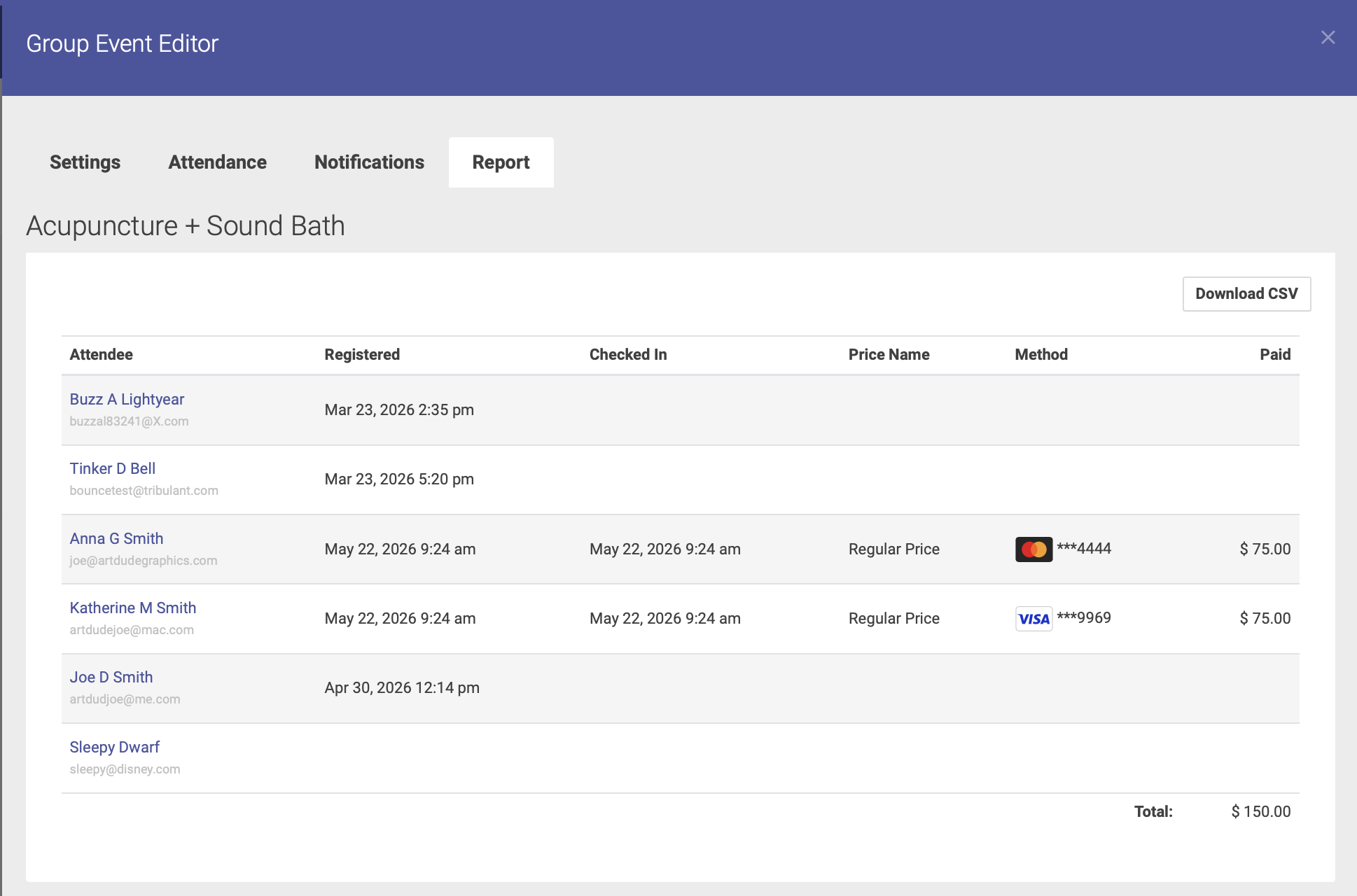
You can click the Download CSV button to download your report to a spreadsheet.