# Treatment Codes
Treatment codes are shorthand for the points that a practitioner uses most frequently. Each practitioner can create their own list of treatment codes. To do so, go to EHR -> Preferences.
**Any time you add or remove codes, you must click Save Treatment Codes before navigating away from the page in order to save your changes.**
Here's a quick video look:
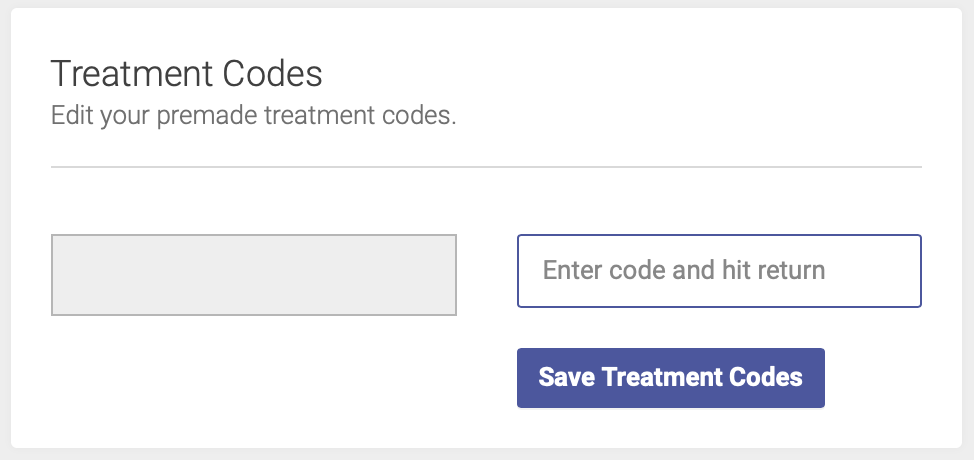
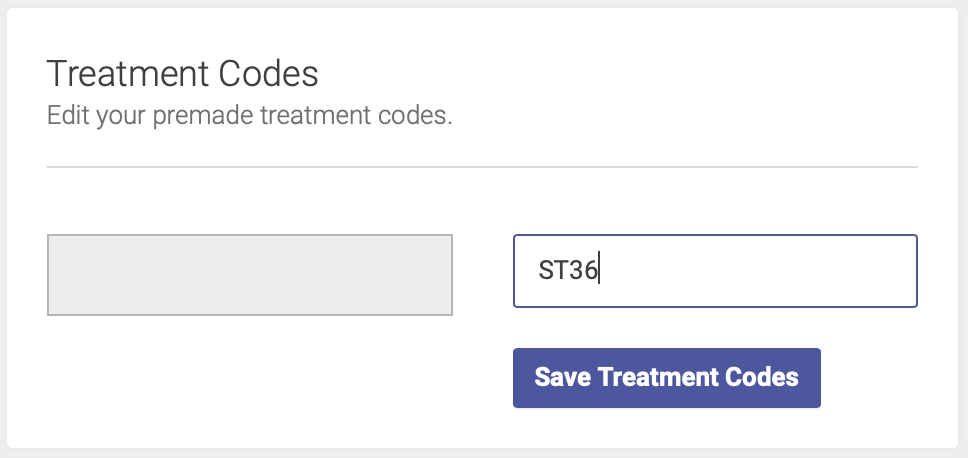
To add a code, enter the point name/abbreviation in the empty Treatment Codes box:
[](https://help.openacu.net/uploads/images/gallery/2020-07/90GFveBqp6CRG7sP-txcodes3.png)
[](https://help.openacu.net/uploads/images/gallery/2020-07/6WALqAneN3kHid0f-txcodes2.png)
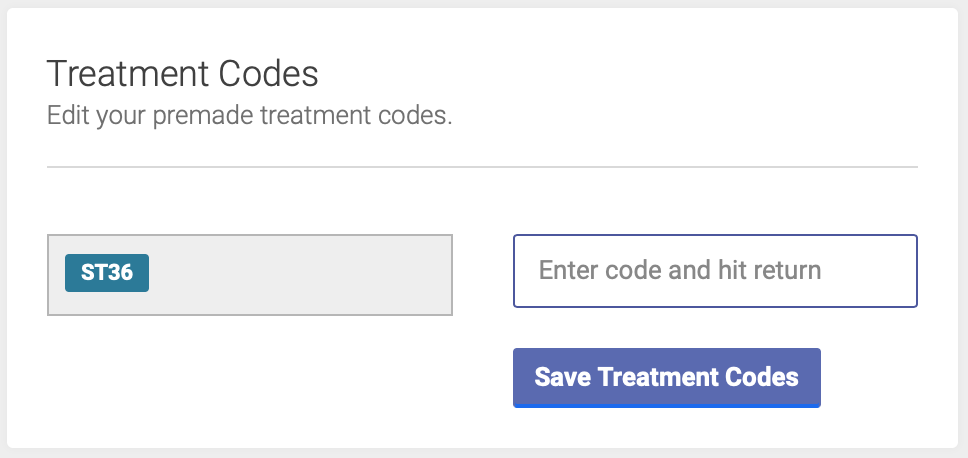
Once you hit Return, the code will be saved in your list:
[](https://help.openacu.net/uploads/images/gallery/2020-07/qw1ZzbdvPajwewuA-txcodes1.png)
Note: You can enter up to 20 alphanumeric characters for your Treatment Codes. Underscore (\_) is the only punctuation allowed. If you enter a space, it will automatically correct to an underscore, i.e. "ST 36" will change to "ST\_36"
To delete a code, simply click on the code abbreviation - this will remove it from your list of codes.
**Remember, any time you add or remove codes, you must click Save Treatment Codes before navigating away from the page in order to save your changes.**