In Open ACU only owners and practitioners can enter health records.
[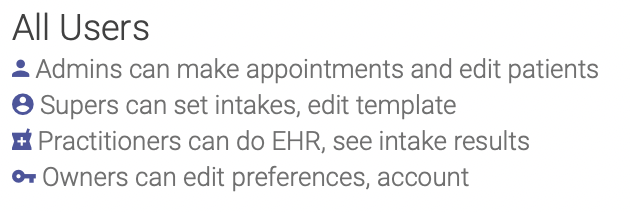](https://help.openacu.net/uploads/images/gallery/2021-09/JuMuSFIA4jqNX4X3-users.png) ### To allow a practitioner or owner to approve and lock appointment health records 1. Go to the [Users page](https://help.openacu.net/books/admin-scheduler-help/page/users "Users") 2. Select the user you wish to edit (if you are a practitioner or owner) 3. Check the Can Approve EHR Records checkbox 4. Click Save [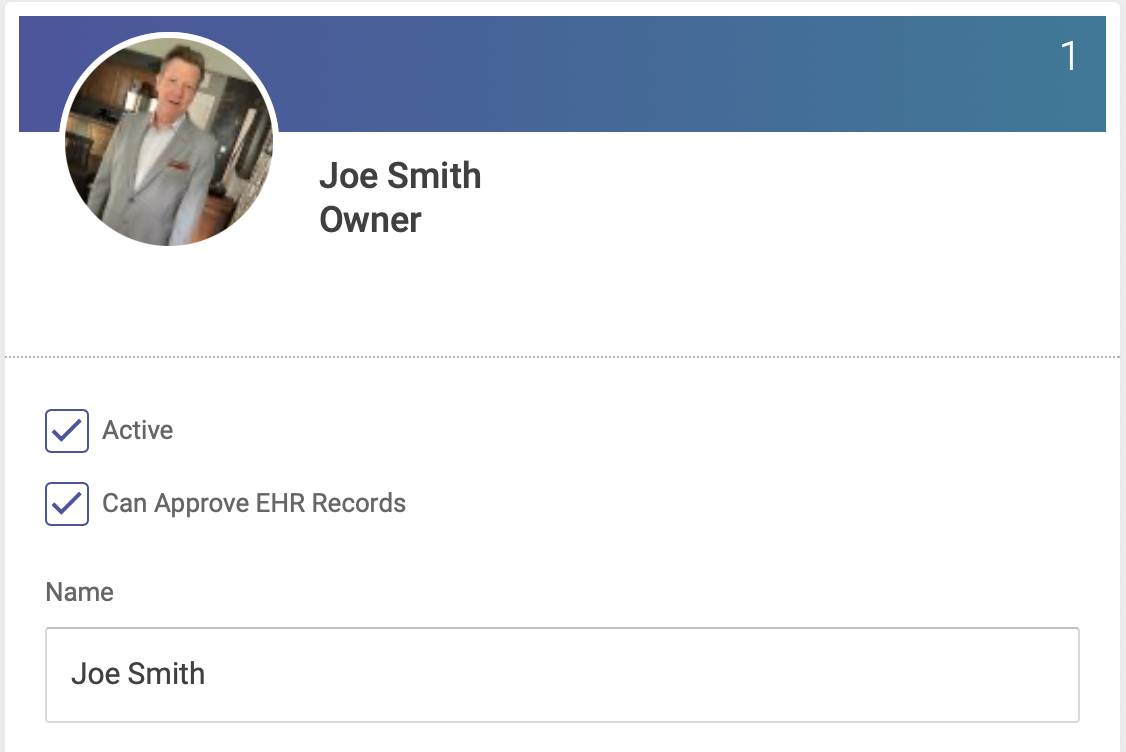](https://help.openacu.net/uploads/images/gallery/2021-09/HY3aWNFa50sDxnWL-userprefs.png) ### To change a user's permission levelOnly owners and practitioners can edit other users, all others can only edit their own profile.
1. Go to the User's Page 2. Select the user you wish to edit (if you are a practitioner or owner) 3. Change the user level 4. Make any other changes you wish to make 5. Click save 6. Owners cannot change their user level.