
DRAFT: Service Report
The AppointmentService Report shows all appointments for a specific Service in given range. When running an appointment report, you can select for date, location and practitioner.
So let'Here's say you want to see how many treatments a practitionervideo did last month - select your date range, location, the practitioner name, and Appointments from the menu at the top, then click Search:overview:
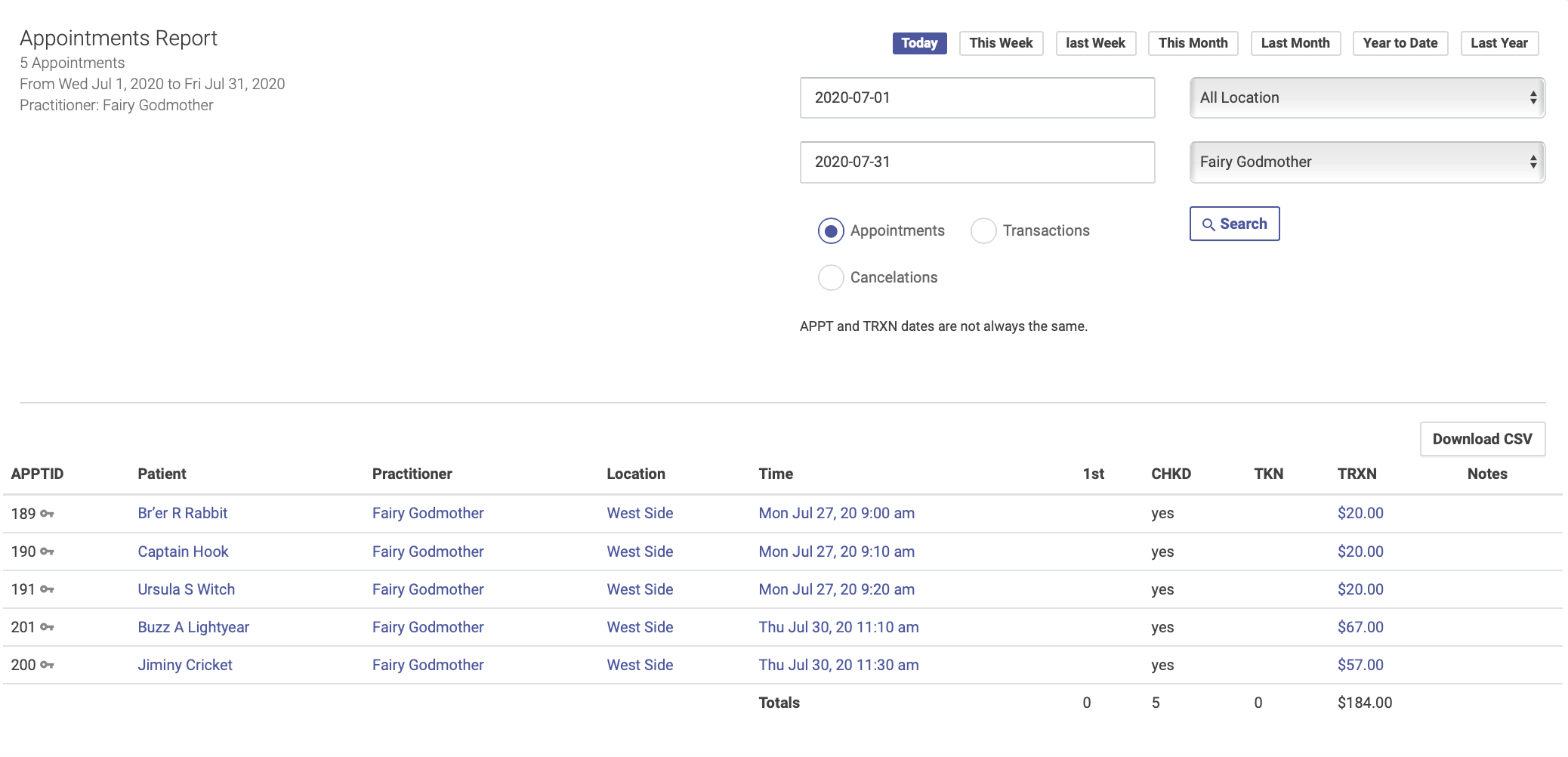
TheFollow appointmentthese report does NOT show detailed transaction information - for that you'll needsteps to run a TransactionServices report:
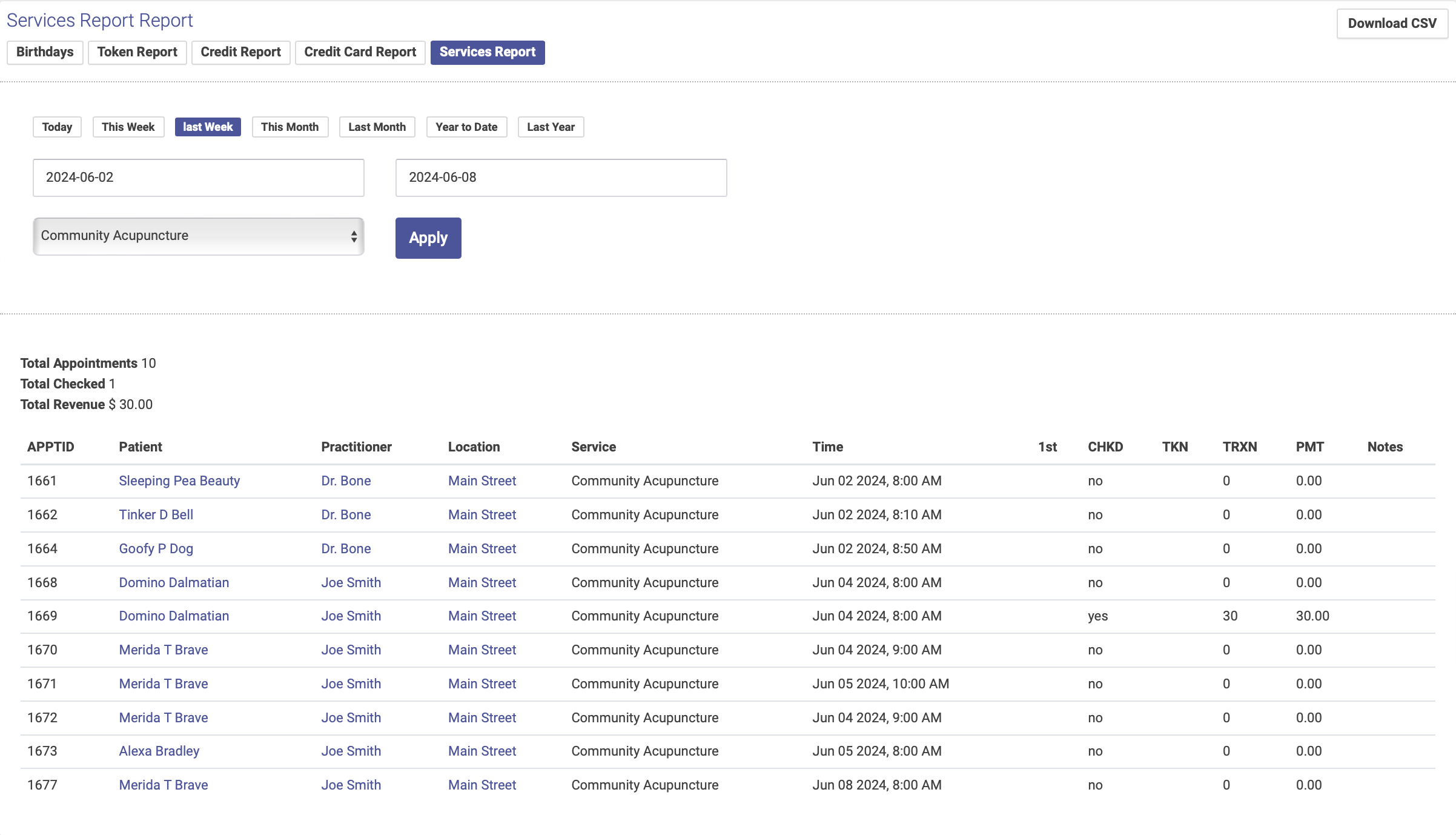
.