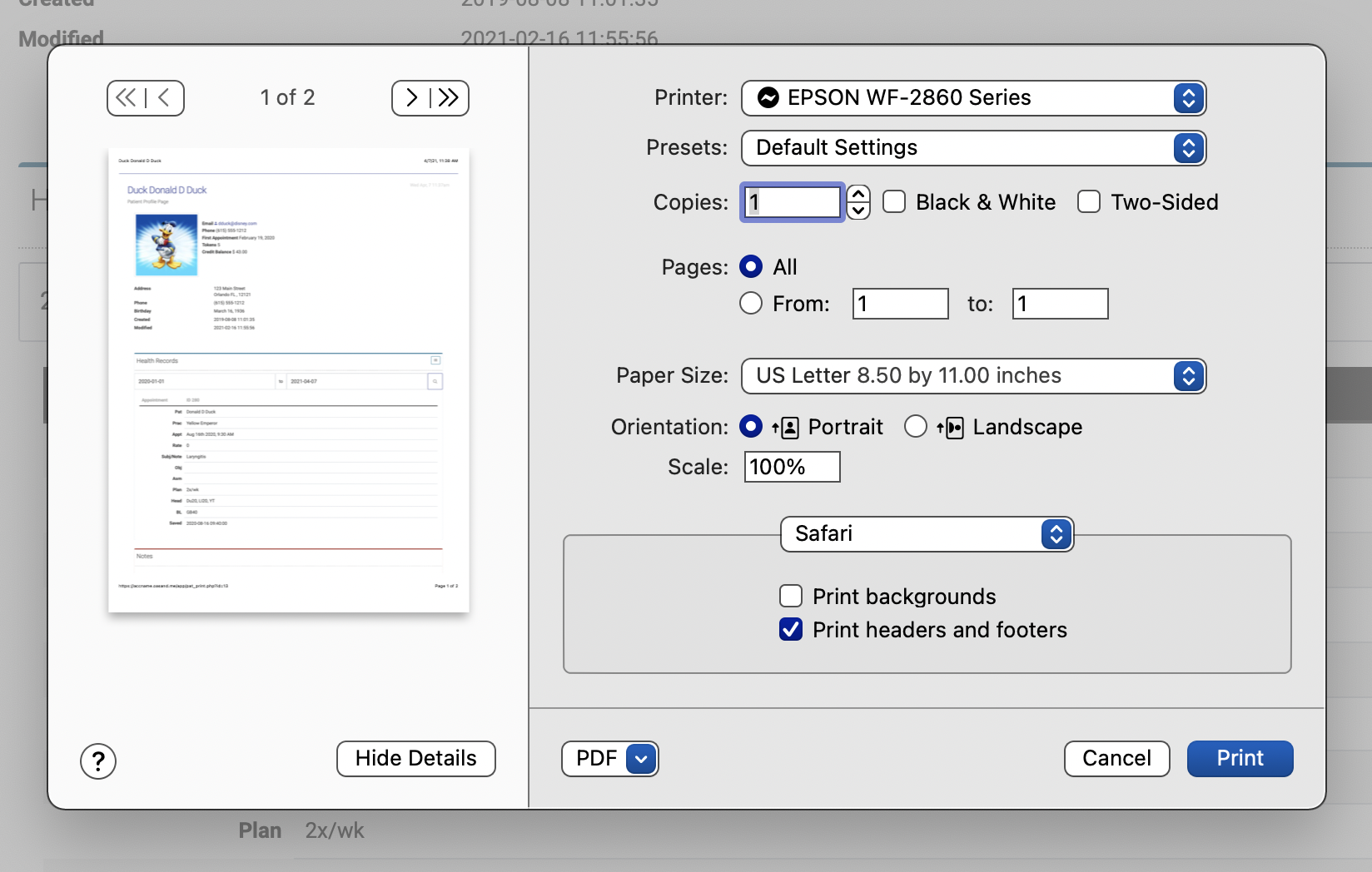
Printing Health Records
If you need to print a patient's health records, you'll do so from the Patient Profile page.
Once you're on a patient's profile page, scrollclick the printer icon next to the Healthpatient's Recordsname section and clickat the greentop expandof icon.the page:

A date range search box will appear. Enter your date range and click the magnifying glass to see your search results:
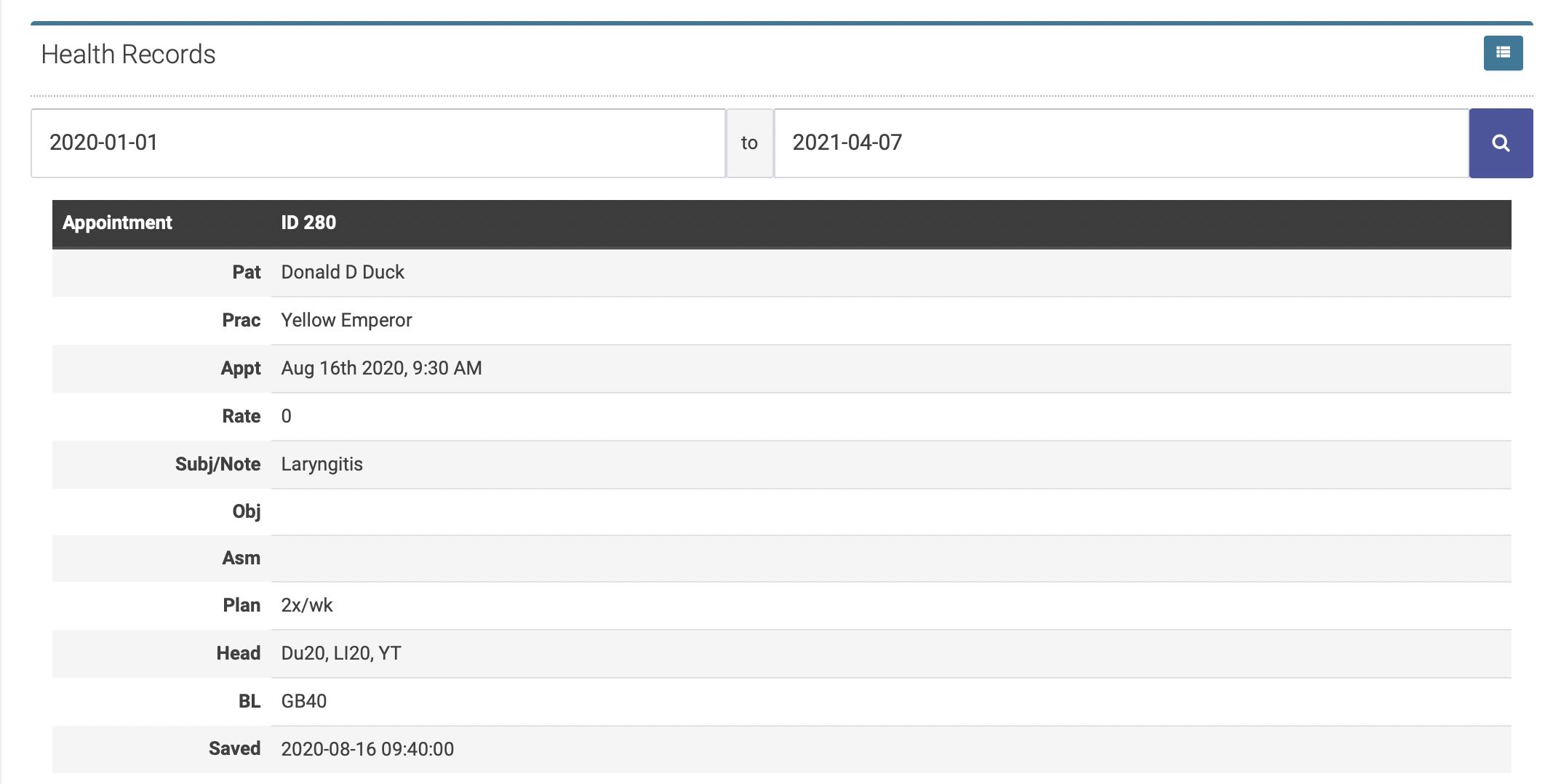
The health records for your selected date range will appear below the search fields in reverse chronological order.
Click Control P to print your records: