
Printing Appointment Receipts
Once your appointments are completed and you've paid you can view your appointment history and print your receipts.
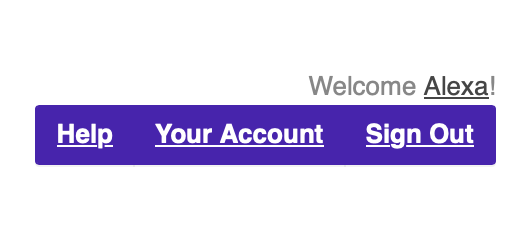 Under the Appointments Menu click "Load My
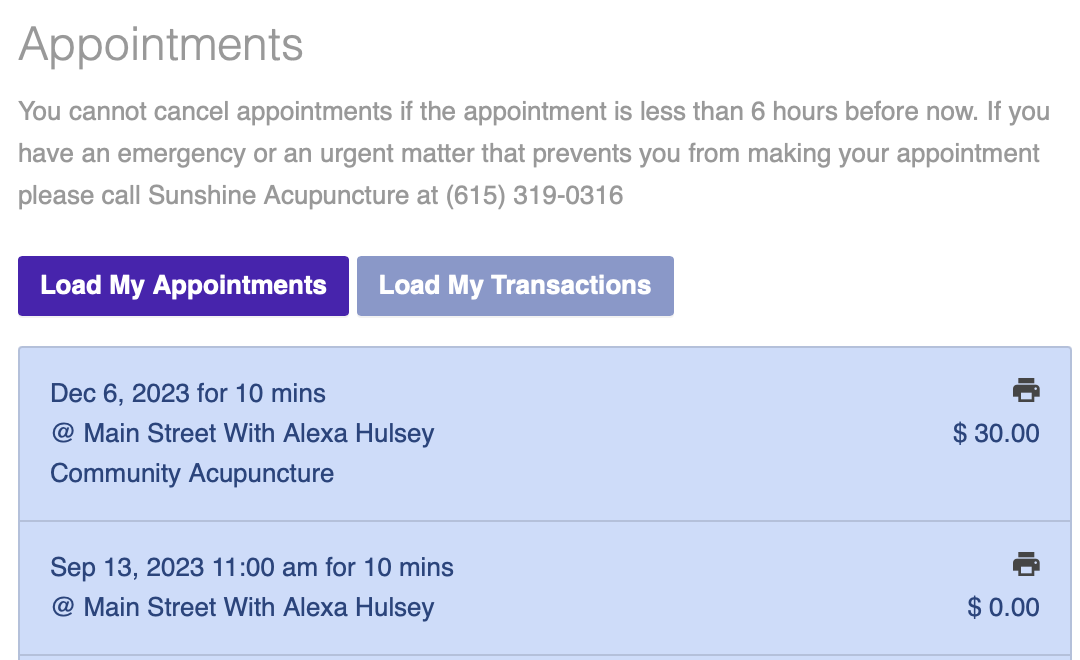
You can also print receipts using the Load My Appointments button. If you don't see the printer icon, that means there is no payment associated with the appointment, or the appointment is in the future.future:
