
Creating New Patients
There are three places you can create new patients.
From any page expandgo theto Patients menu: on the left and click "New Patient".Patient. OR
From the patientsPatients: listAll Patients page use the "New Patient" button at the top right. This will open a new modal window form for creating a new patient.
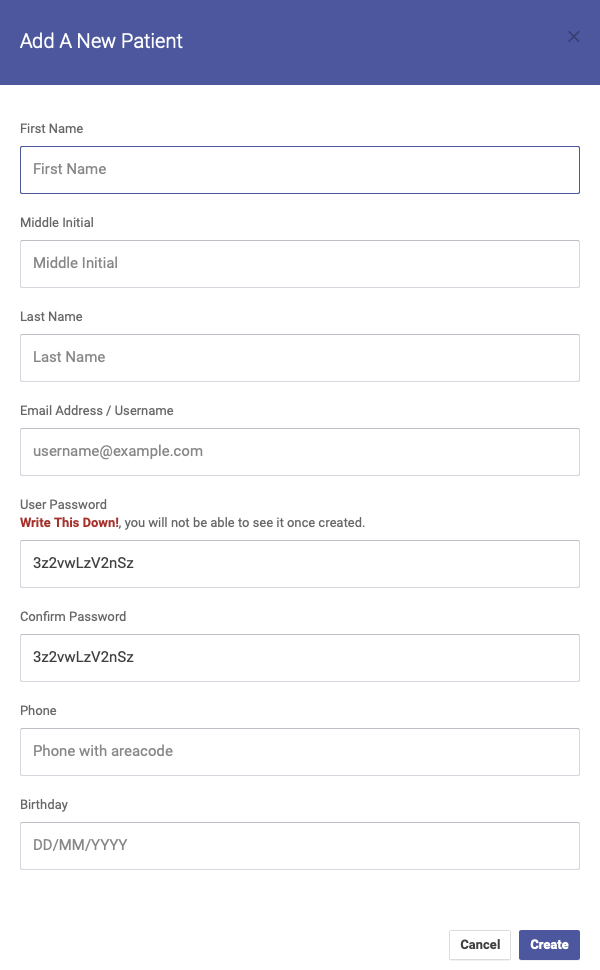
Also from the patients list page you can import a group of patients by uploading a CSV (comma delimited values) file. The popup modal window explains how to format the CSV.

Download all patients in your database from the Patients : All Patients page. Click the  download icon to the top right of the patients listing table.