
DRAFT: Move an appointment with drag and drop
You can move a same-day appointment with drag and drop. Instead of canceling and rescheduling, you can use the drag and drop method for a quicker way to modify the day's schedule.
Here's a video overview:
Step by step instructions:
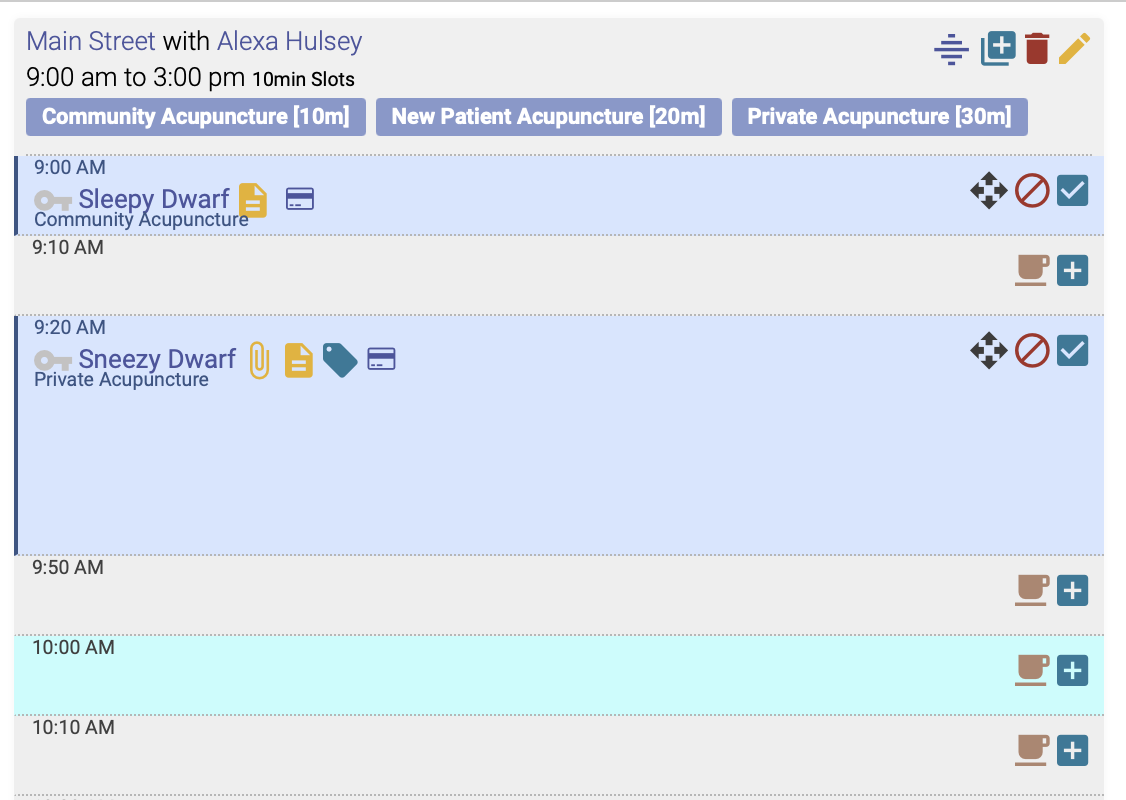
3. A popup box will appear, asking you to confirm the change:
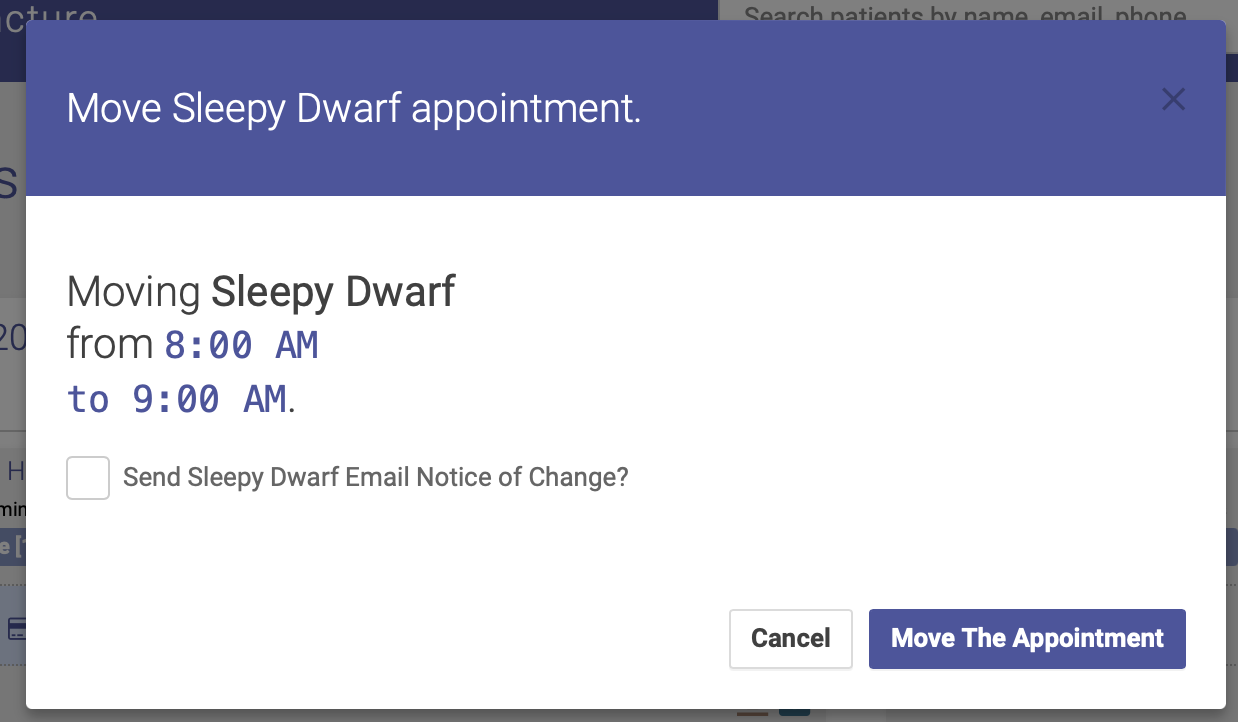
4. Click Move the Appointment, and voila! The appointment has now been moved to a new time. You also have the option of emailing the patient a notice of the change.