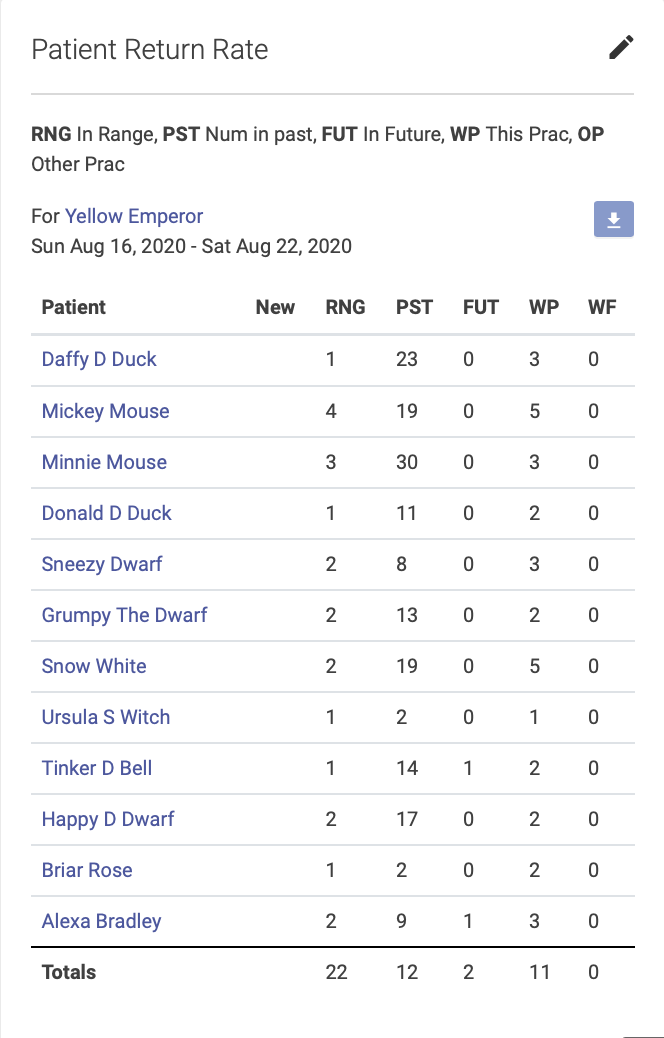
Practitioner Reports
There are two practitioner reports that can be accessed from the Dashboard: the Totals Summary and Patient Return Rate.
Practitioners may view their own reports, but not the reports of other practitioners. Clinic Owners may view reports for all practitioners.
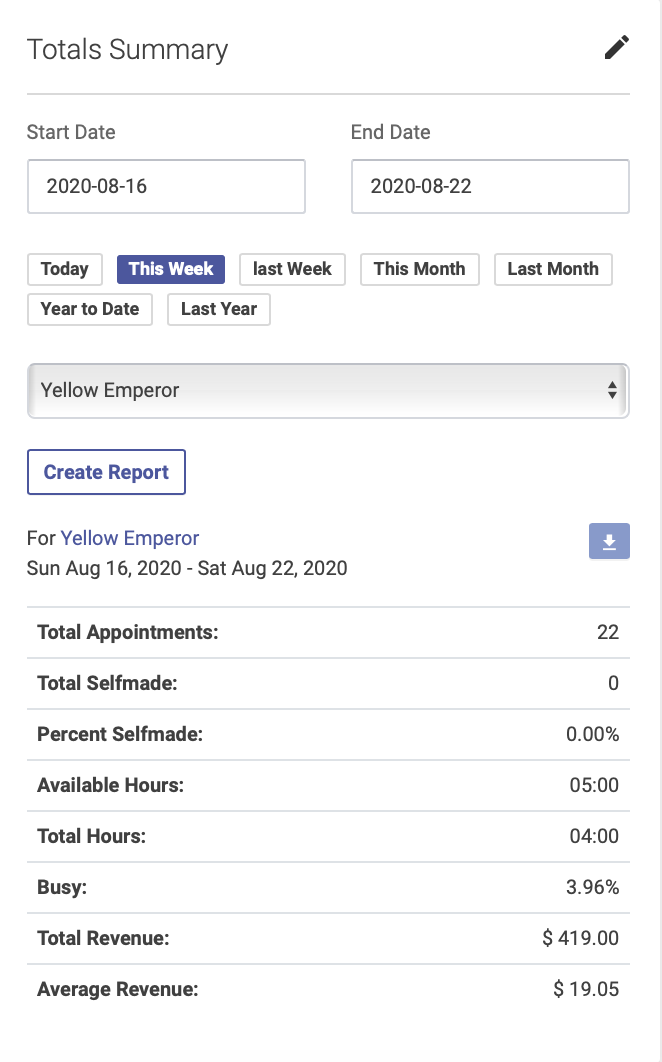
Totals Summary Report
This report shows a summary of a practitioner’s appointments for a given date range, including number of appointments, hours, busy rate and revenue. Click the pencil icon to select a preset or custom date range:
Patient Return Rate Report
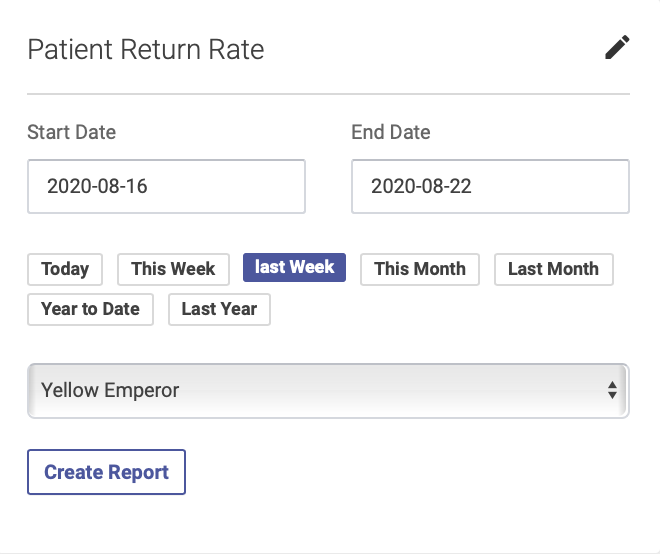
This report shows the number new and returning patients for each practitioner. To run this report, click the pencil icon to select a preset or custom date range:
The columns will show numbers of new and returning patients, and the number of past and future appointments for each patient: