
Recording a transaction without a check-in
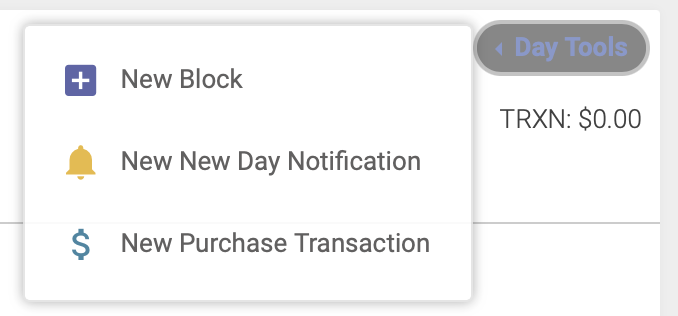
To record a transaction that isn’t connected with an appointment, you’ll use the Purchase Transaction option. Click on the blue dollar sign icon next to the date atAt the top of the day’sschedule, appointments:click the Day Tools dropdown menu, then click New Purchase Transaction:
A popup modal will appear, where you will select the location, enter the customer’patient’s name, a description of the charge, the amount paid and the form of payment.
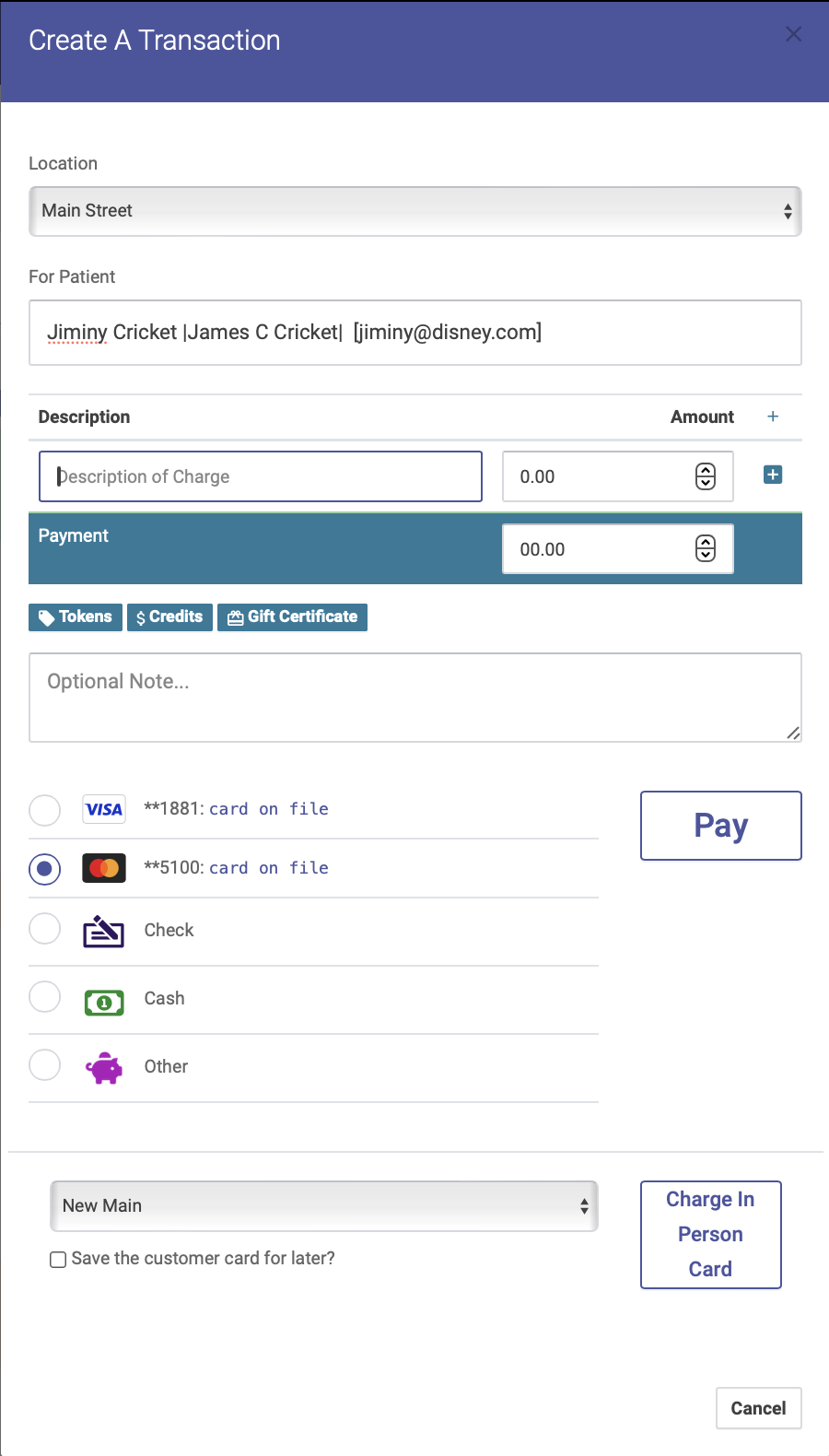
If someone is purchasing tokens, credits, or a gift certificate, click on the corresponding button under the Description of Charge field. Tokens and/or credits purchased will automatically be added to the patient's account.
Purchase transactions will appear on the day’s Transaction Report but not on the Appointment Report.