
Entering EHR Notes
You'll enter your EHR notes from the EHR By Block page or the EHR Appointments page.
Here's a quick video look at how it works:
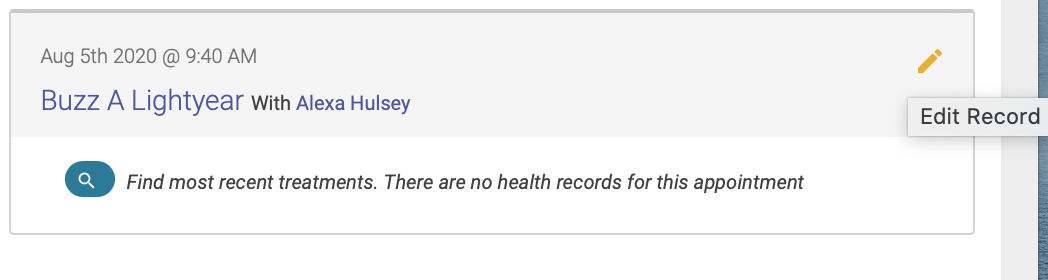
To enter an EHR note, click on the pencil icon next to the patient’s name:
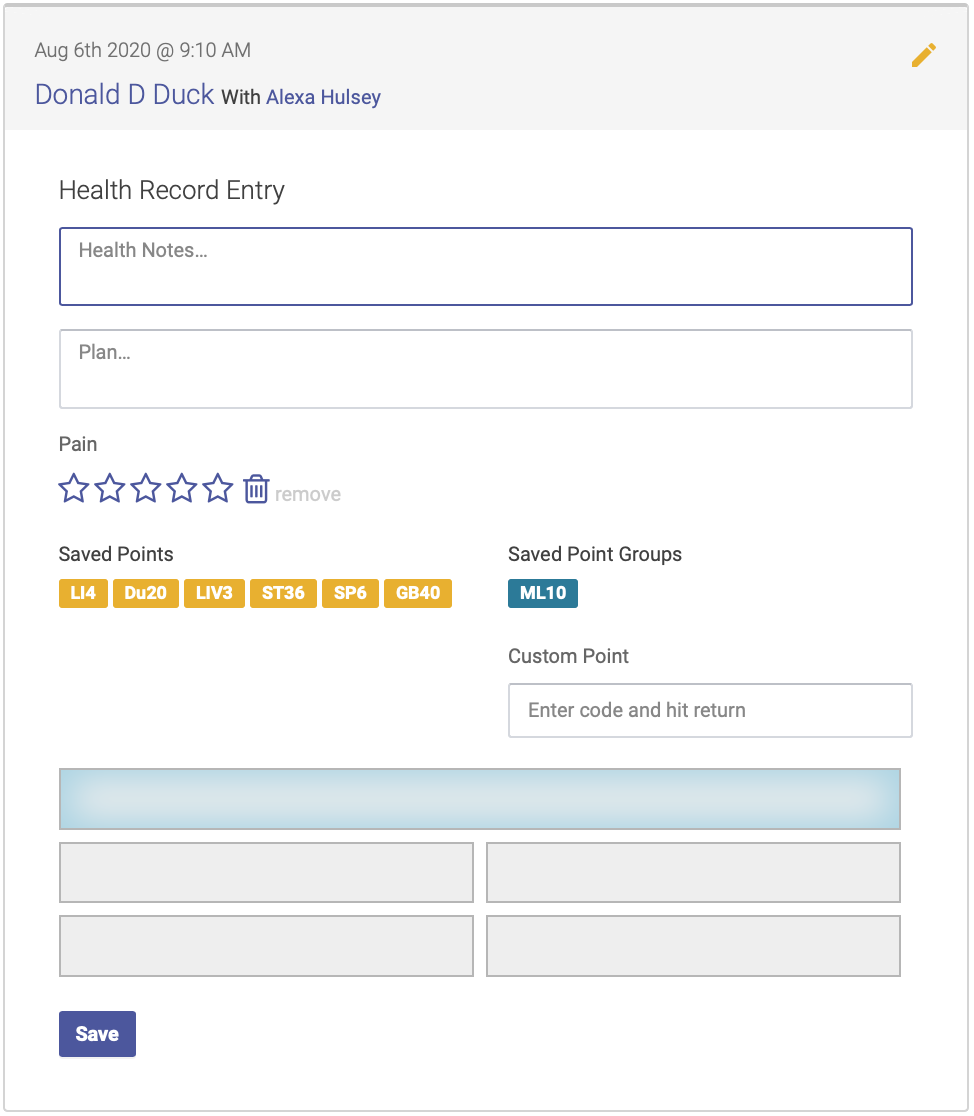
The Health Record Entry fields will appear. The format for the fields is based on your clinic’s EHR preferences, and will appear in either in plain field format:
Or in SOAP format:
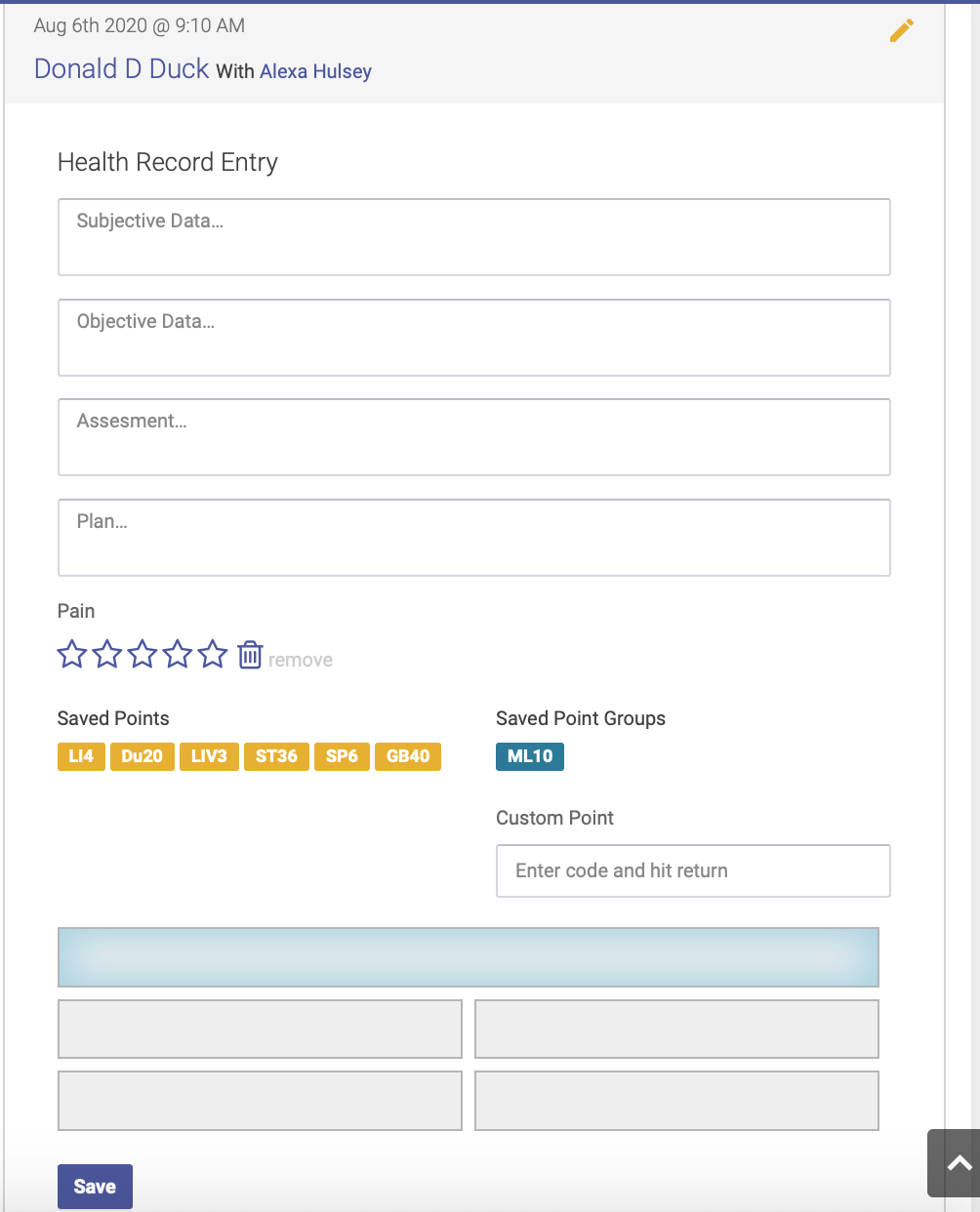
Complete each field, and add your points. First highlight the field for the area of the body: use the top box for head points or bilateral points, and the four quadrant fields for distal or unilateral points. Then click on your saved points(link) or saved point groups(link) to populate each field with points. You can also add points that aren’t saved in your list of treatment codes by using the custom point box.