
Edit Your Account
You can change your contact information, notification preferences and more for your Open ACU account on the Account page. There are 5 sections on your account page. Your photo, your basic details, your emergency contact information, changing your password and your appointments.
Change Your Account Photo
- Click the photo or avatar icon at the top of your account page.
- Select a file from your computer or device.
- Click upload.
- The image must be less that 3000 and greater than 300 pixels.
Add Credit Card Information
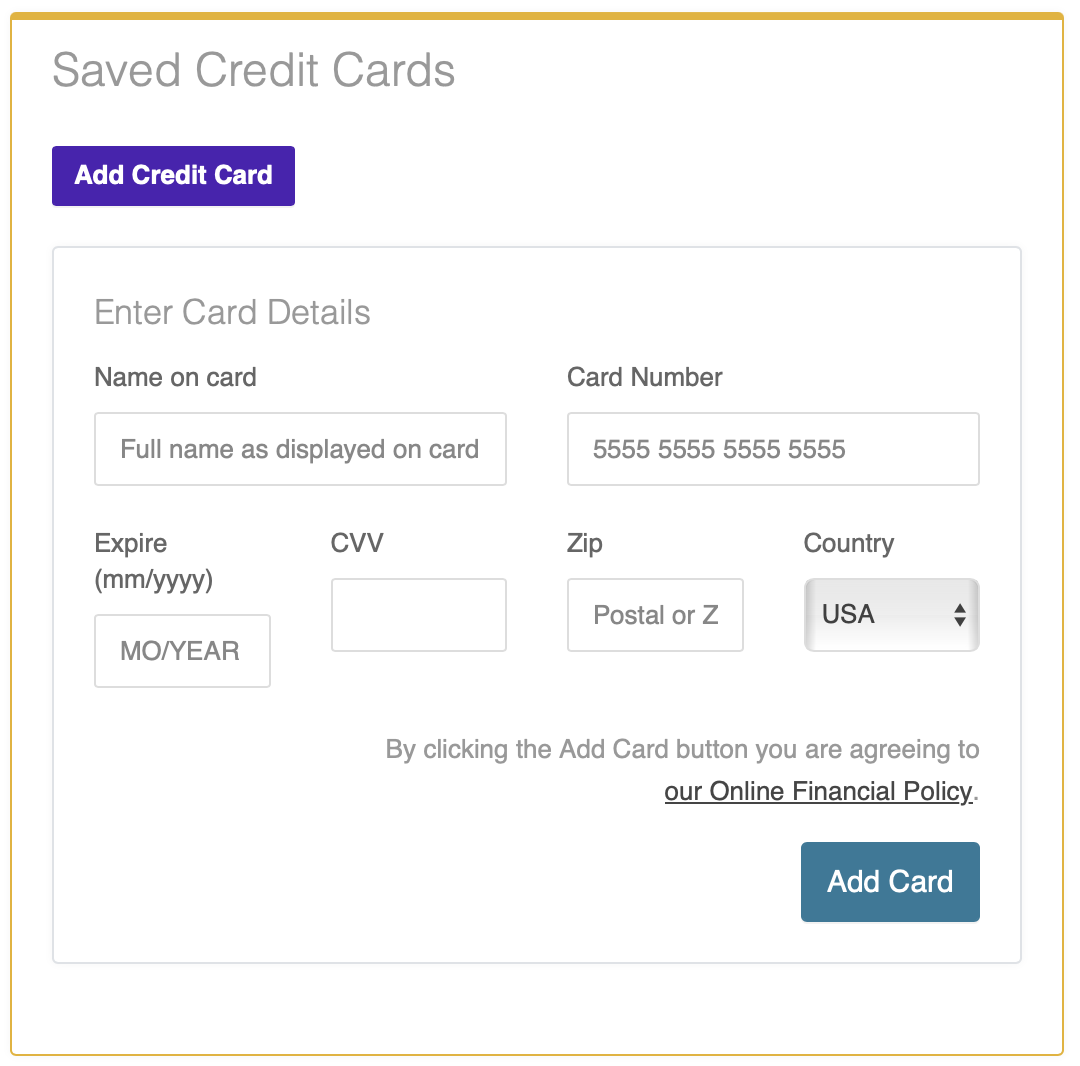
If your clinic uses Open ACU's integrated credit card payments option, you can add or edit your credit card details to save a card on file for future use.
Click the Add Credit Card button, enter your card details, then click the Add Card button to save your information. You may add and save multiple cards.
Opt Out of Email Reminders

Edit Account Details
- Open the Edit Account Details Section (click the title to open the accordion section)
- Make the changes you need.
- Most of the information is required, including your birthday.
- You can opt out of reminder emails here.
- Make sure you click Save Details.
Edit Emergency Info & Insurance
- Click the section title to open the form.
- Make the changes necessary
- Click Save Emergency/Insurance
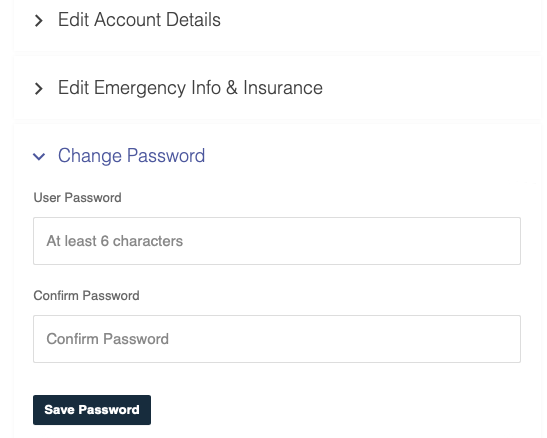
Change Your Password
- Click the section title to open the form.
- Enter your new password
- Confirm your new password
- Click Save Password