
Edit Your Account
You can change your contact information, notification preferences and more for your Open ACU account on the Account page. There are 5 sections on your account page. Your photo, your basic details, your emergency contact information, changing your password and your appointments.
Change Your Account Photo.
Photo
Add Credit Card Information
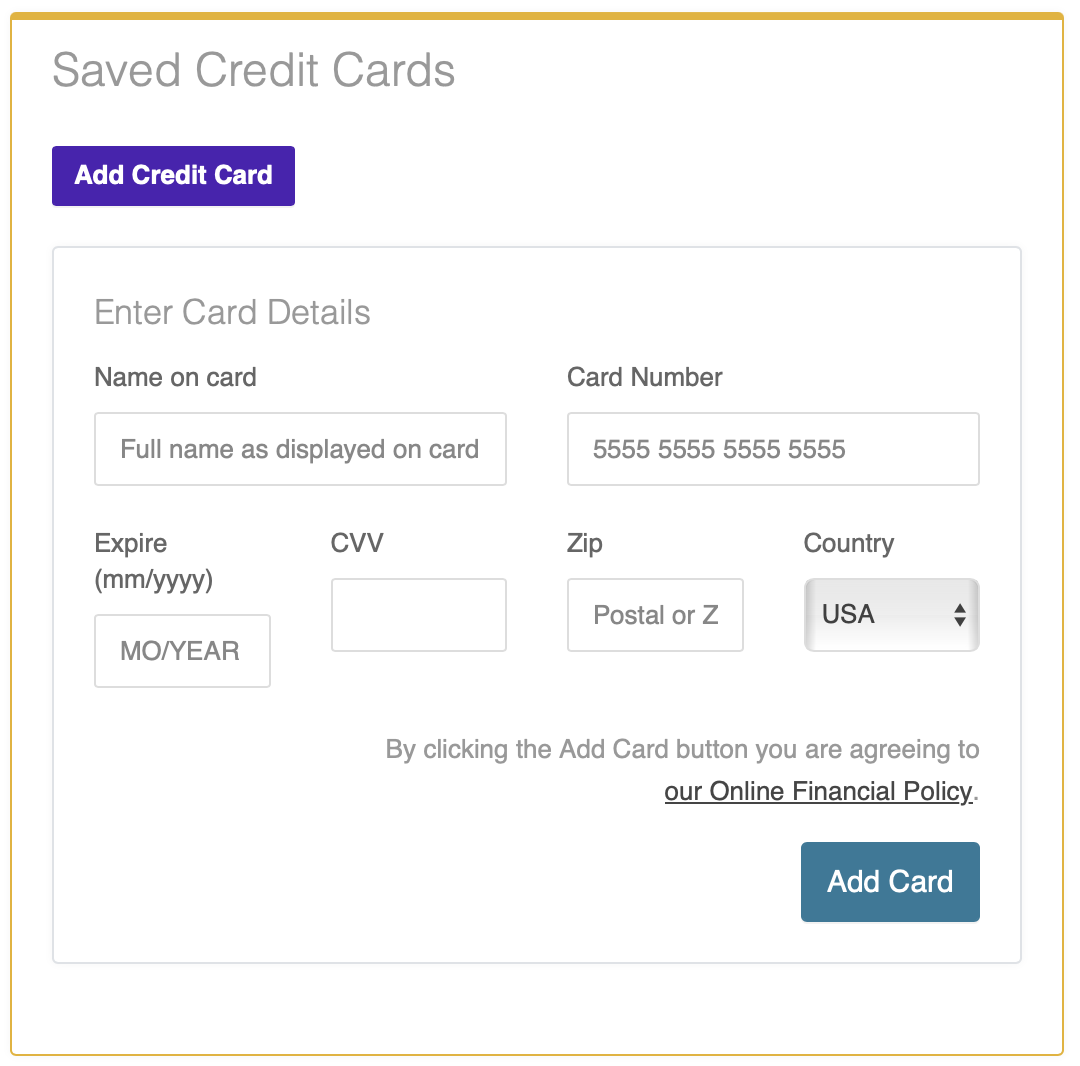
If your clinic uses Open ACU's integrated credit card payments option, you can add or edit your credit card details to save a card on file for future use.
Click the Add Credit Card button, enter your card details, then click the Add Card button to save your information. You may add and save multiple cards.
Opt Out of Email Reminders

Edit Account Details
Edit Emergency Info & Insurance
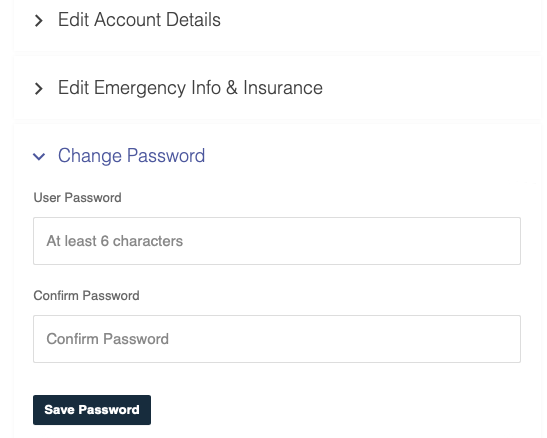
Change Your Password