
Edit Your Account
You can change your contact information, notification preferences and more for your Open ACU account on the Account page. There are 5 sections on your account page. Your photo, your basic details, your emergency contact information, changing your password and your appointments.
Change Your Account Photo.
- Click the photo or avatar icon at the top of your account page.

Edit Account Details
- Open the Edit Account Details Section (click the title to open the accordion section)
- Most of the information is required, including your birthday.
Edit Emergency Info & Insurance
- Click the section title to open the form.
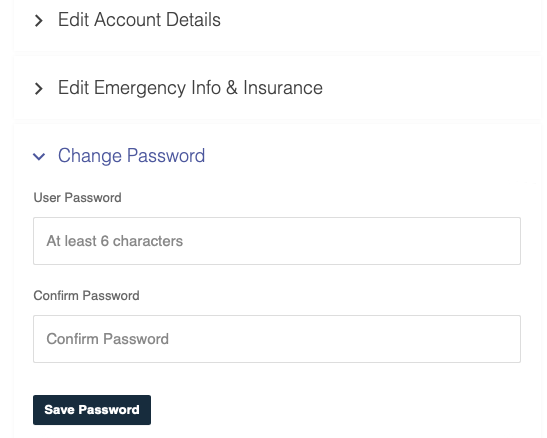
Change Your Password
- Click the section title to open the form.