
Navigating the schedule
First go to the date you want an appointment.
UsingOn the right top, under your login name there are three icons. Click the on on the left, the calendar icon.
This will open a calendar. The dates with available appointments will be highlighted. Use the left and right arrow at the top of the calendar to navigate between months.
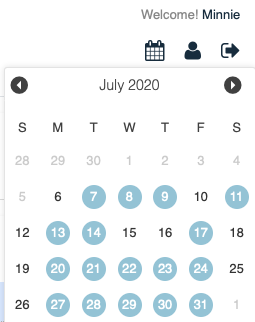
Click the calendar icon or outside the calendar grid to close the calendar.
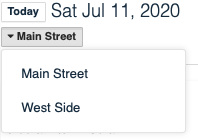
Location Selection
If there is more than one location you can navigate to the location you wish to use by selecting the location found on the left (atunder the topdate.
Choosing From A Block (practitioner)
A block is a range of time for one practitioner. For example 10:00 AM to 4:00 PM with Joe.
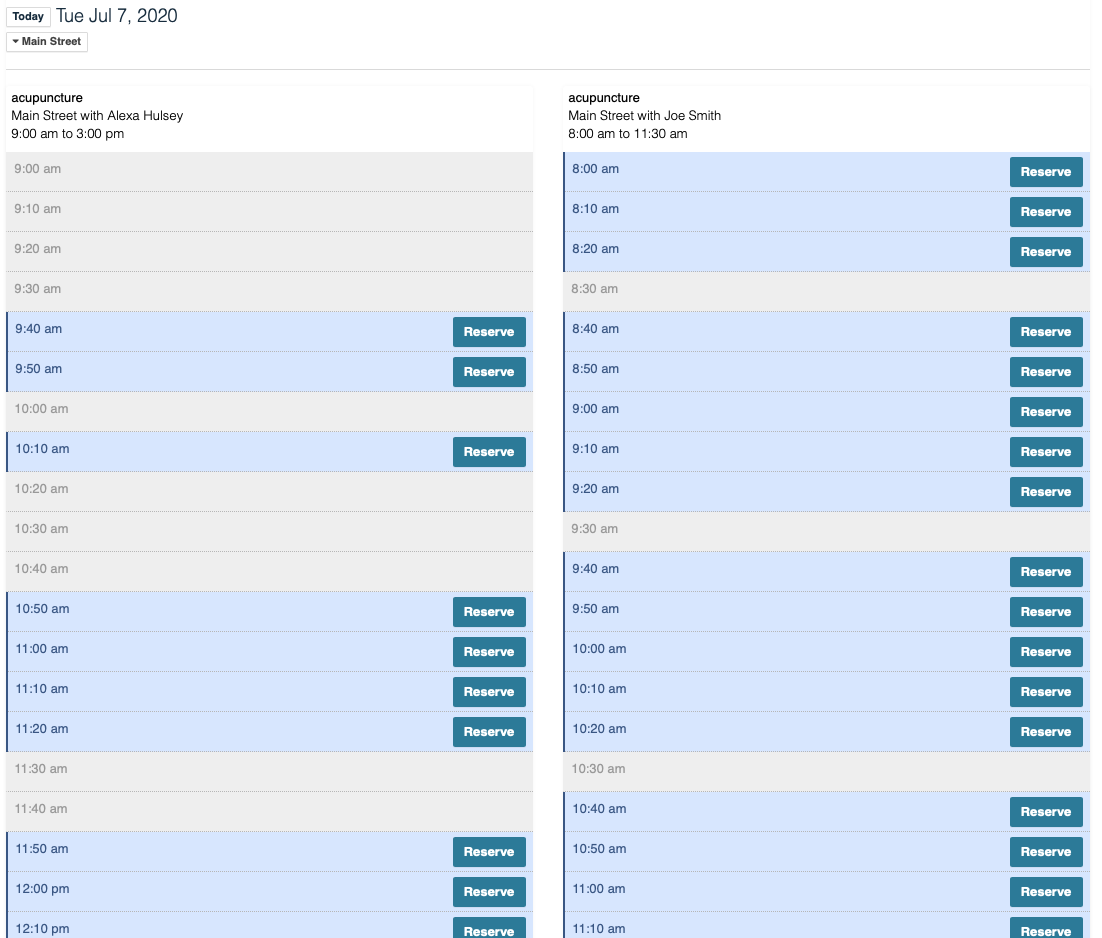
Click the image to enlarge it. On a mobile devices) choosedevice the dateblocks youwill wishnot tobe visitside by side.
Choose Your Appointment
- Find the
clinic.slotScrollyou'dthroughliketowithfindathereservepractitionerbuttonandintimeit.

confirm.
Voila!