Canceling Appointments
Appointments can be cancelled by an admin under the following rules
- If the appointment has not been checked in
- if it has you will need to reverse the appointment transaction.
- Appointments in the future or past can be cancelled, in effect removing it from the schedule
- There is a log kept for each cancelled appointment that you can see from the patient's page.
Patients can also cancel appointments but they are restricted by the number of hours the clinic has set in the preferences. This time is from 4 hours to 36 hours prior to the appointment.
When the admin cancels an appointment the cancel popup appears.
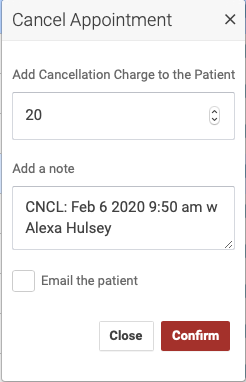
To charge the patient a no-show fee enter a dollar amount in the first field. A note is first for the appointment log and may also be used to send the patient an email. Checking the box sends that email with the details of their appointment cancellation. You may use the default values, no charge and the log note without sending an email.
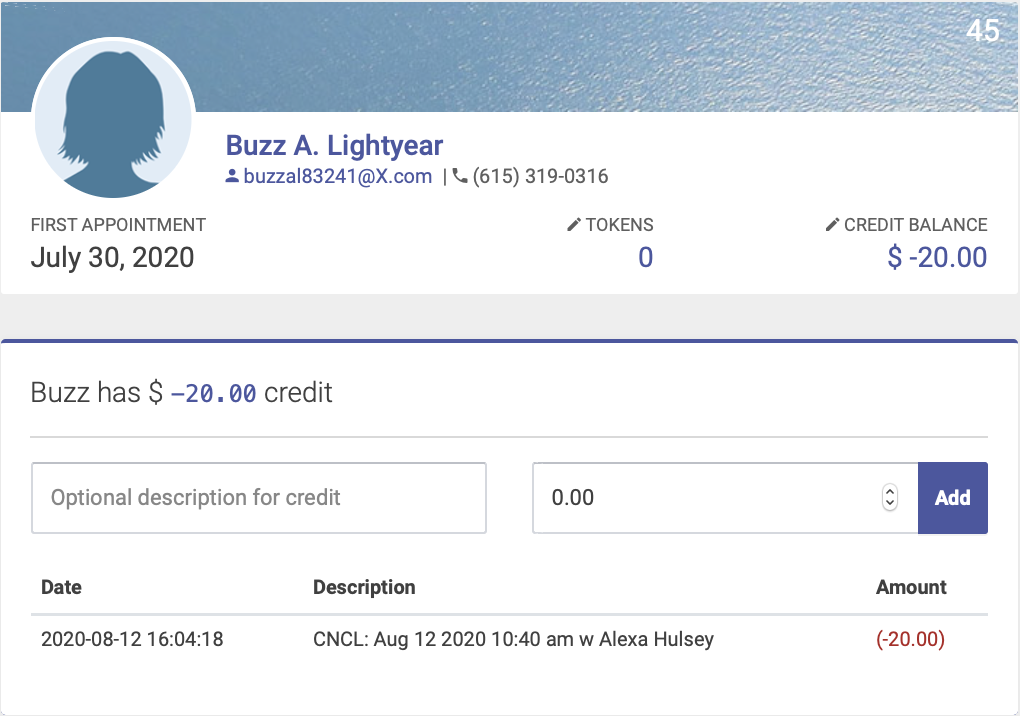
IfWhen you charge a patient hasa tokenscancelation infee, it will appear as a negative credit on their account,account. youYou havecan the option of allowing them to use a token forview their cancelationcredit fee.balance Checkand the “take a token” box in the cancel popup - this will deduct one tokenhistory from their account:Patient Profile page:
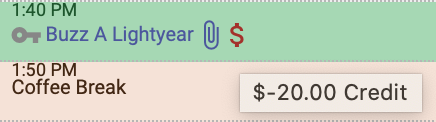
The negative credit balance will appear as a red dollar sign next to their name at future appointments, until the credit balance is paid: