Waiting List
How to add your name to the waiting list when the schedule is full:
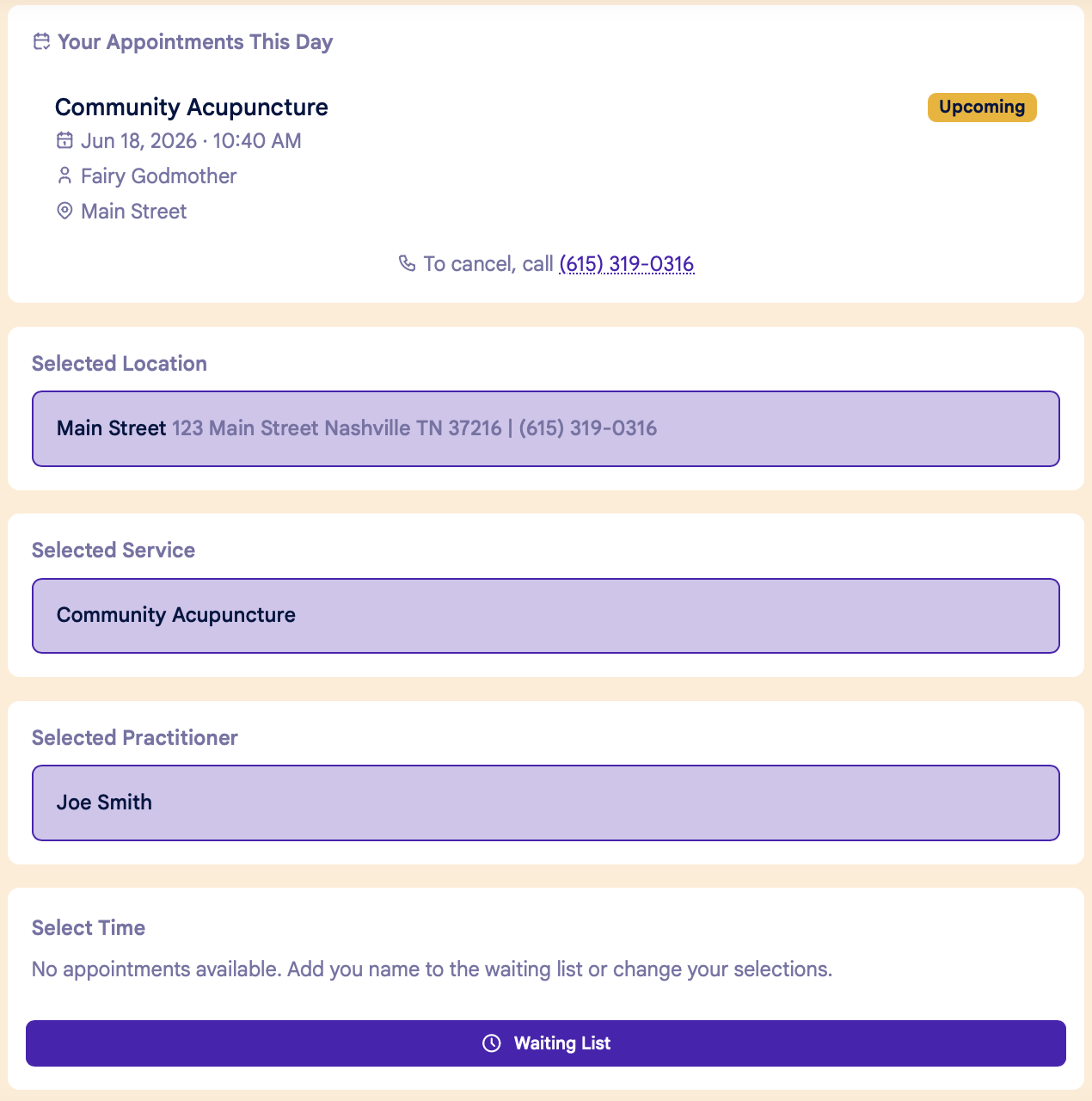
If there are no available appointments for your selected Location, Service and Practitioner, you can add your name to the waiting list by clicking the Waiting List button at the bottom of the page:
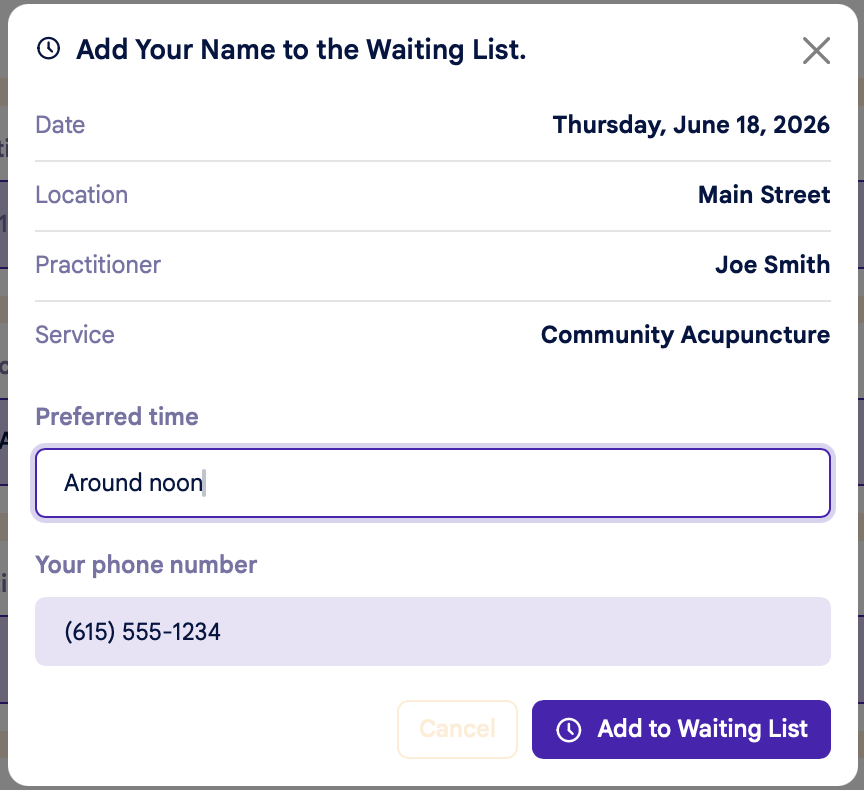
You can enter any additional info about your preferences in the "Preferred Time" field:
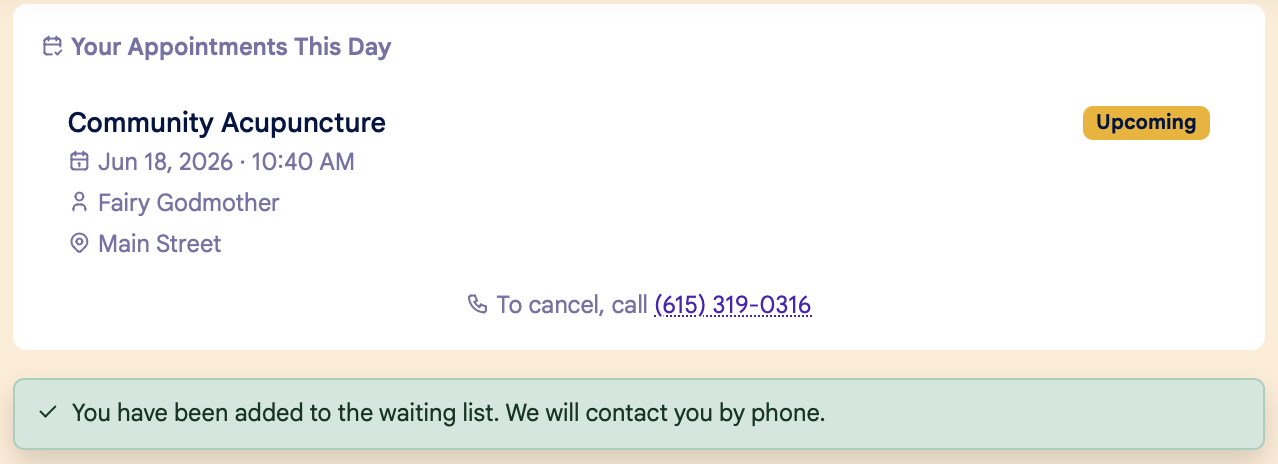
Once you're on the waiting list, you'll see a confirmation message at the top of the page:
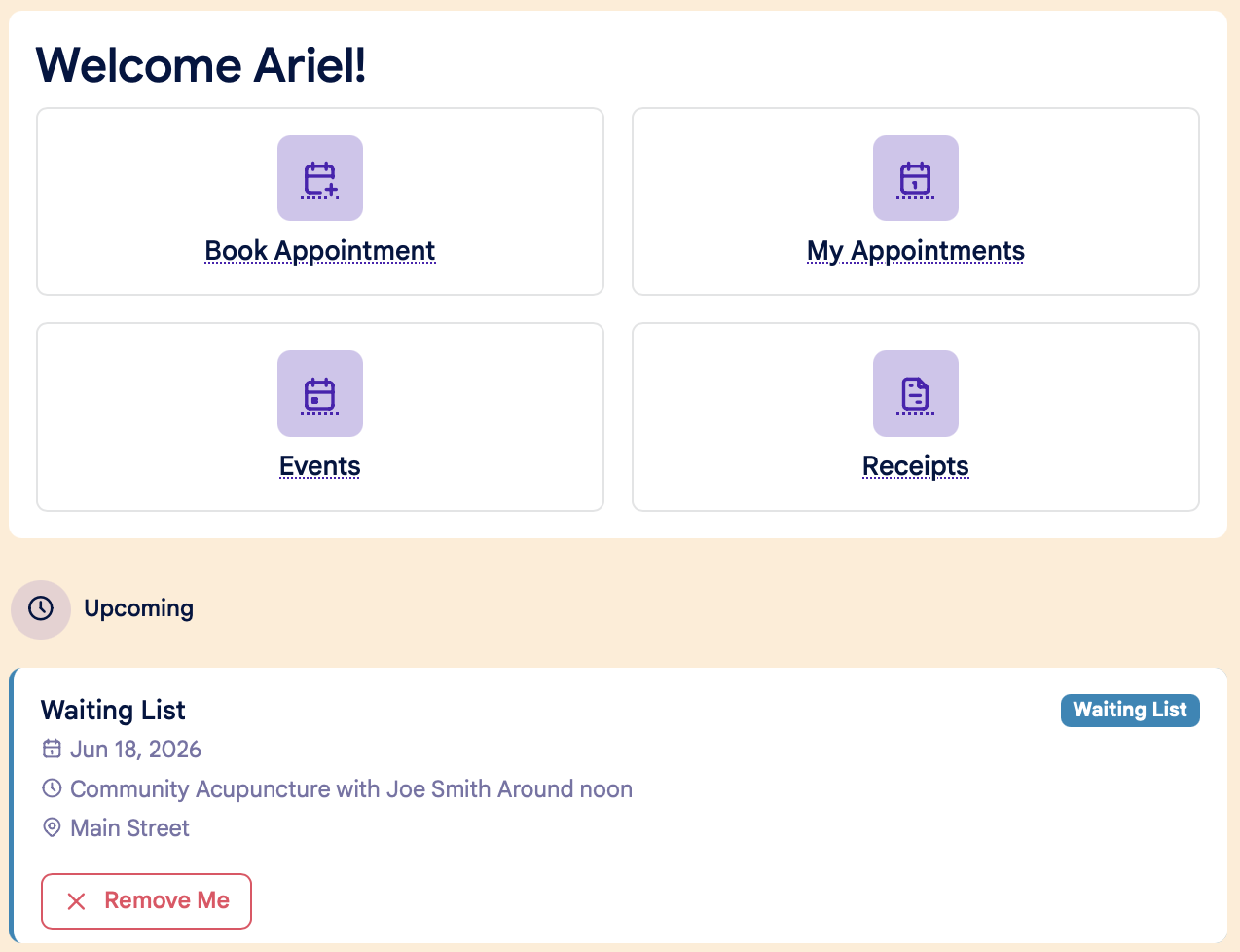
On your home dashboard screen, you'll see the waiting list confirmation under Upcoming Appointments. You can remove yourself from the waiting list by clicking the red "Remove Me" button: