How to Cancel an Appointment
Here's how to easily cancel an appointment on the patient portal:
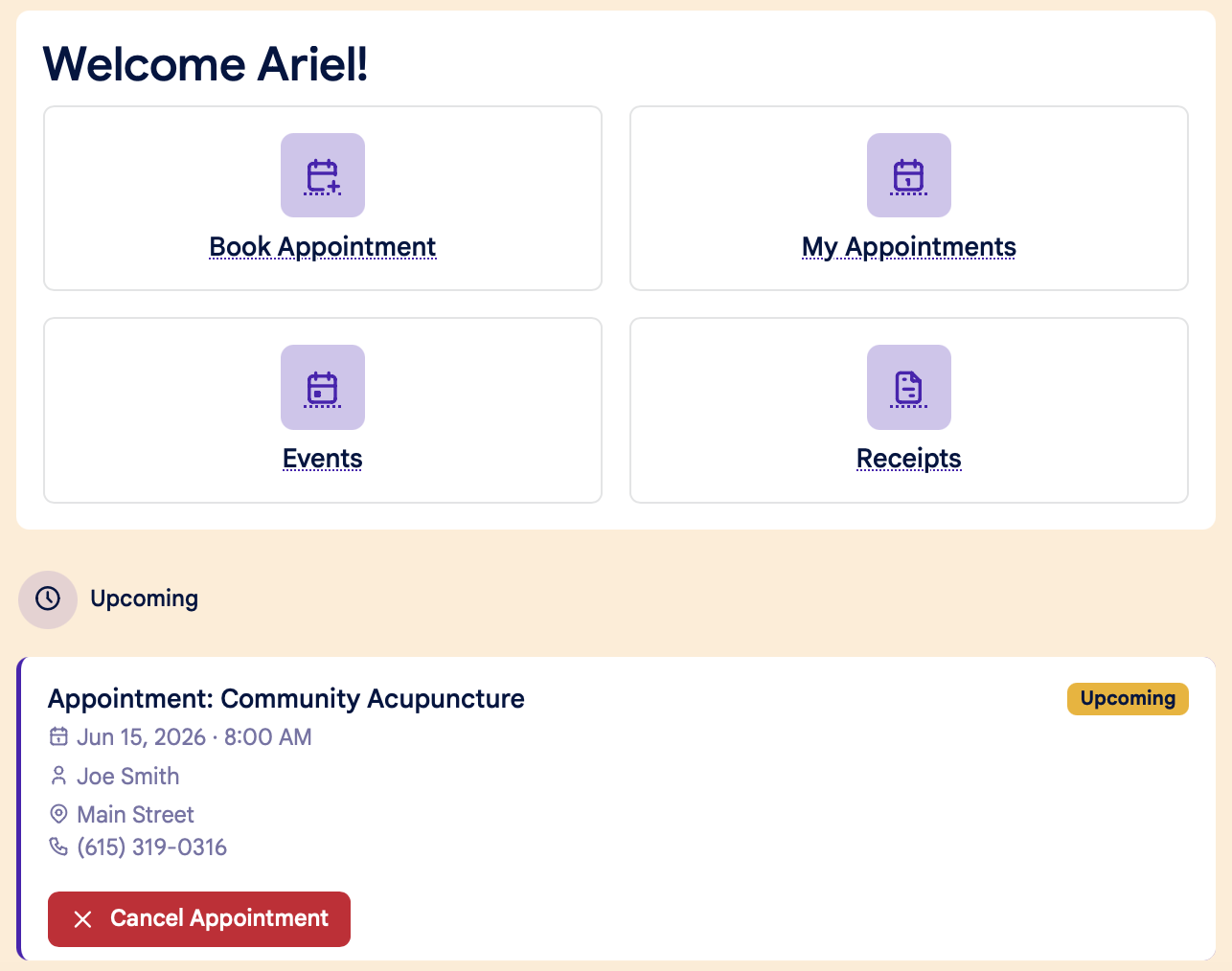
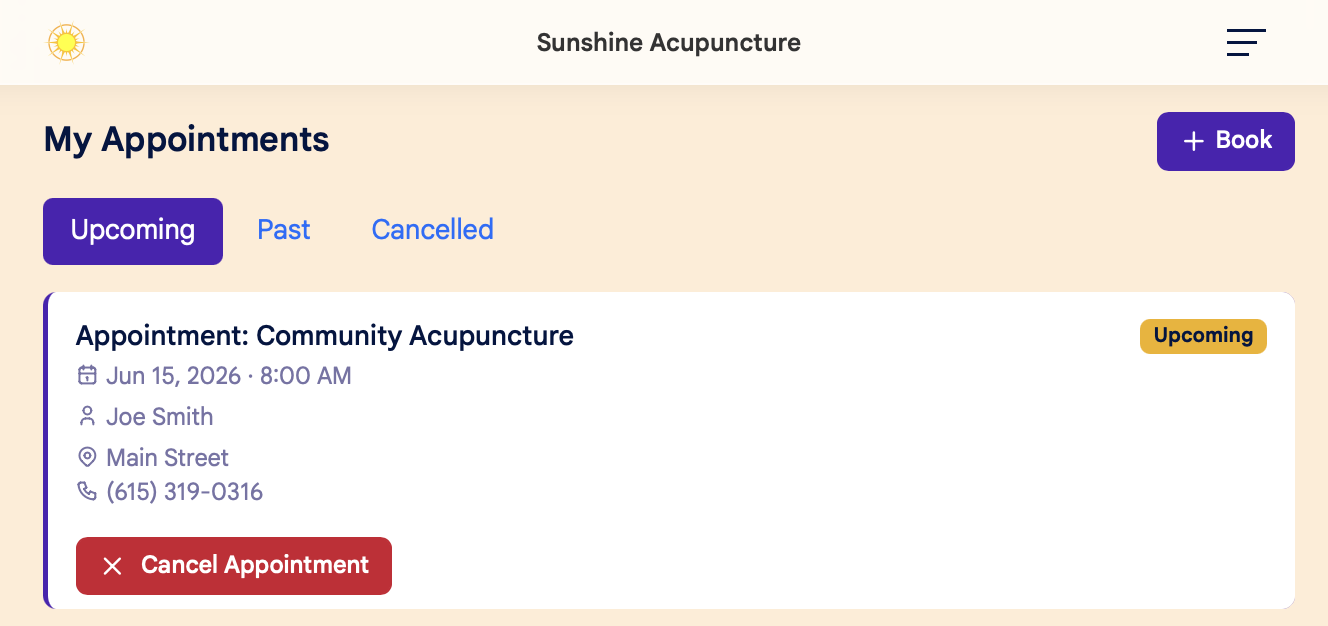
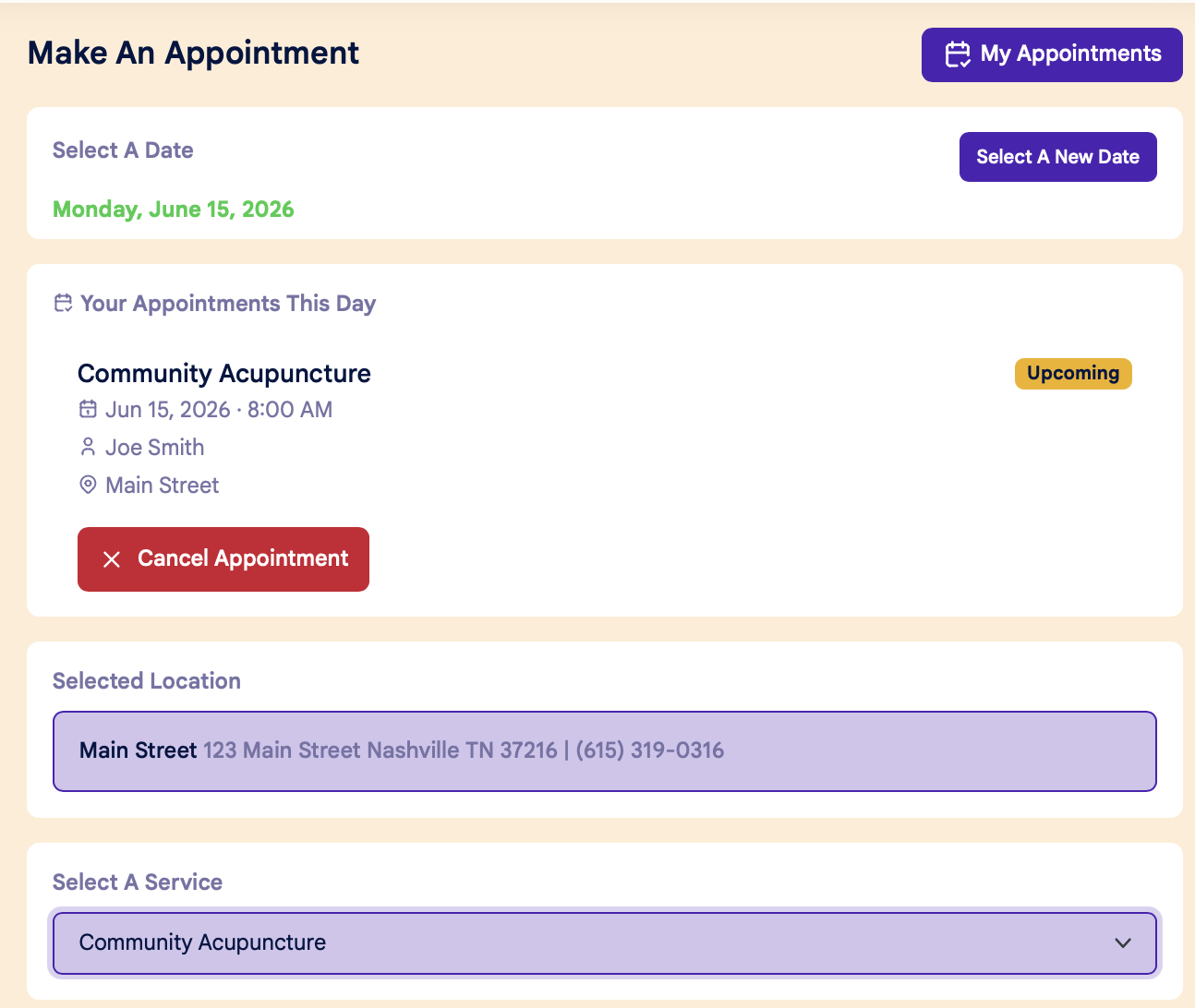
You can cancel an appointment in three different places:
1. On the Dashboard screen:
2. On your My Appointments page:
3. On the Calendar page:
Confirm Cancellation:
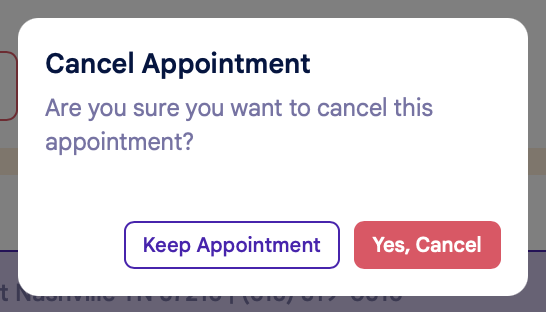
After clicking the Cancel Appointment button, you'll see a popup window to confirm your cancellation. Click "Yes, Cancel" to confirm the cancellation, or "Keep Appointment" to return to the previous screen:
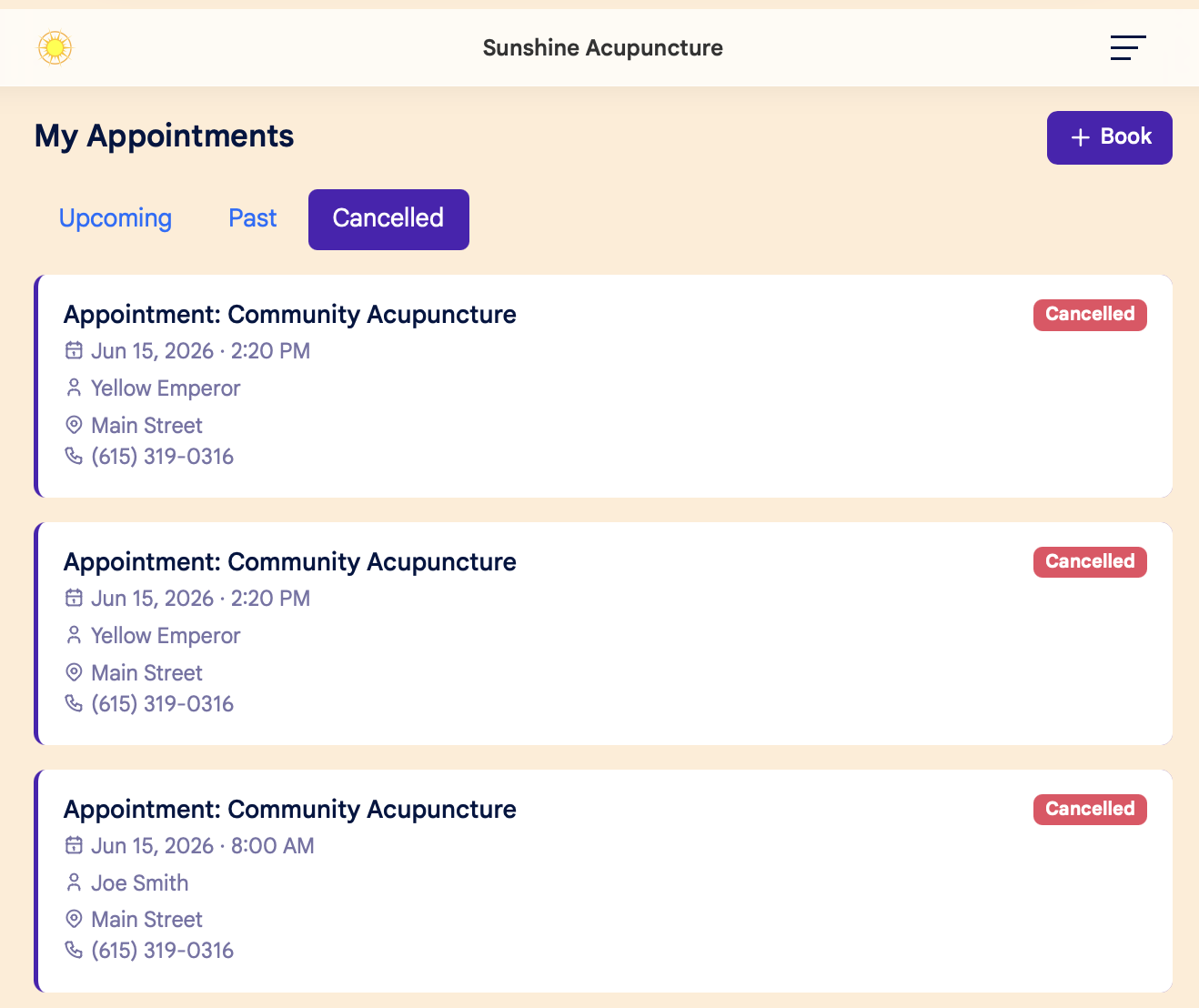
Viewing Canceled Appointments
You can view a list of your canceled appointments on the My Appointments page, under the Cancelled tab: