
Registering for an Event: Admin Portal
Here's how to register a participant for an event on the Admin portal.
Step 1:
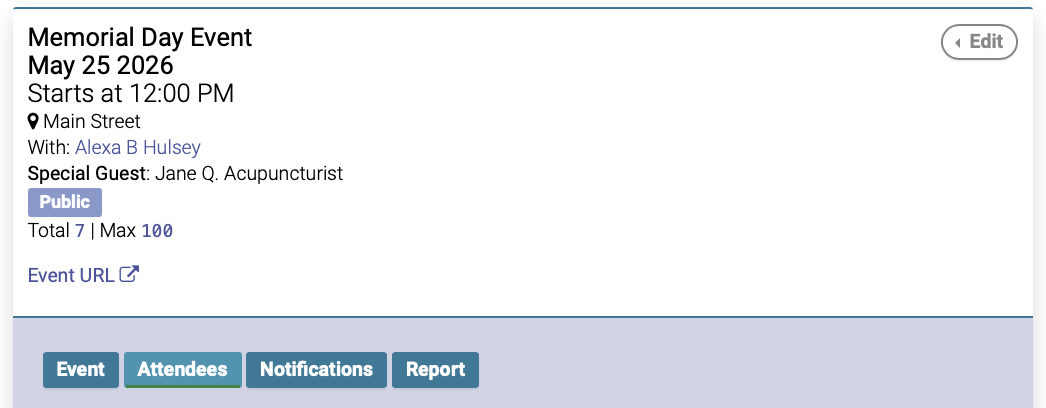
On the Event date, click the Attendees tab:
Step 2:
On the Attendees tab, type the participant's name into the Patient Search box, then click Register Patient:
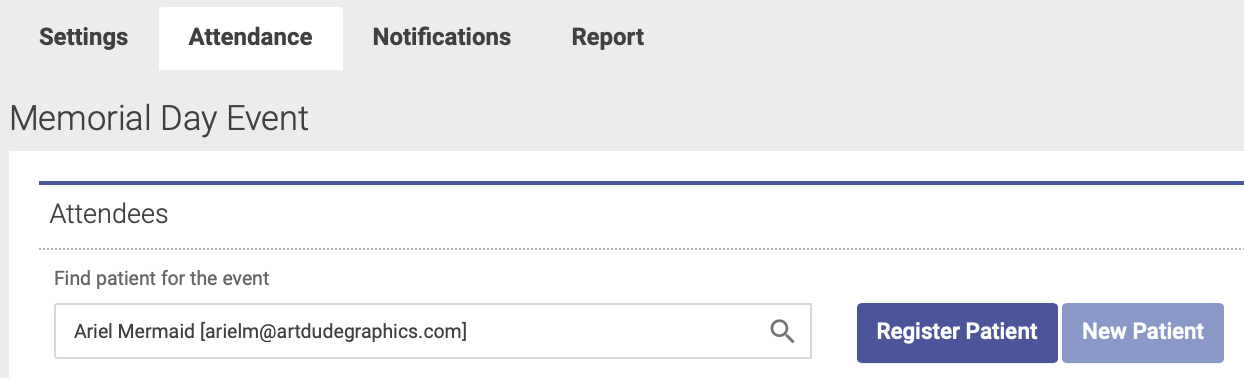
Note: If the participant does not have a patient account, you will first need to create one by clicking the New Patient button.