Issuing a Refund for an Event
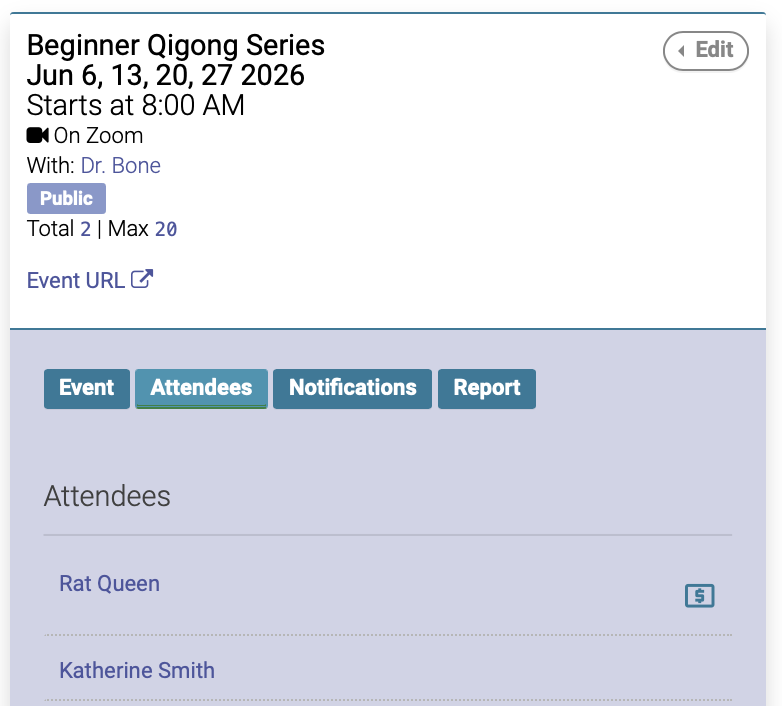
To issue a refund for an event, go to the Event date on the calendar, then click on the Attendees tab for the Event:
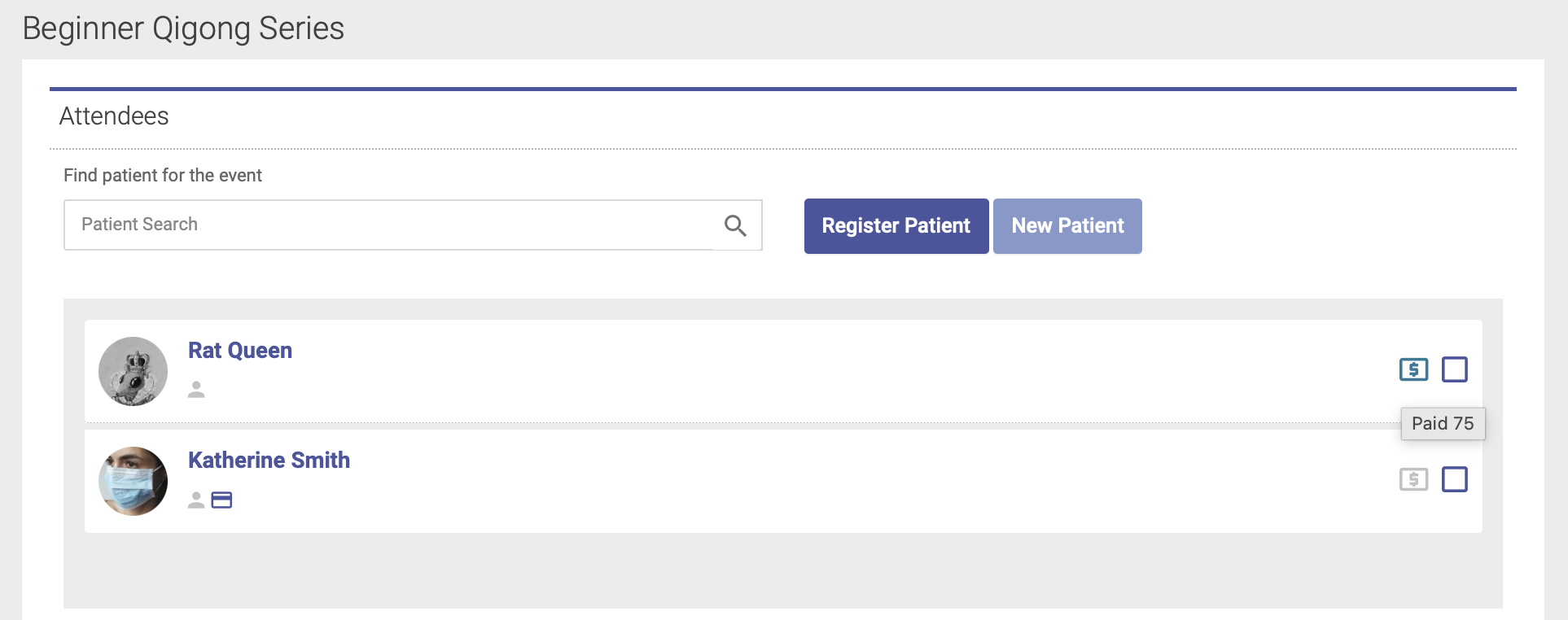
The green dollar sign next to the attendee's name will indicate that they have paid:
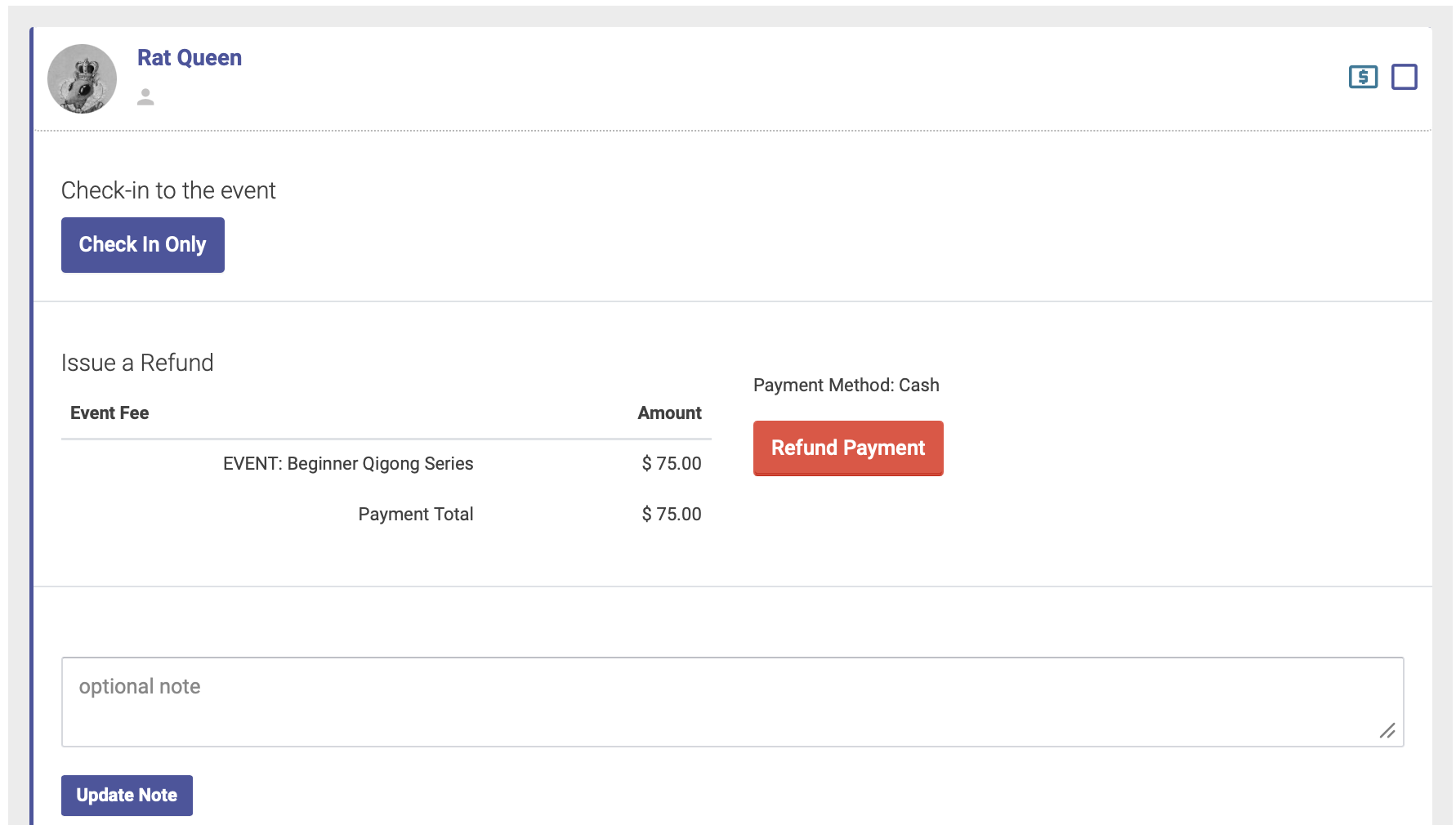
Click the checkbox next to the dollar sign to expand, then click the red Refund Payment button. If they have paid via credit card using Stripe, their payment will be refunded to their card: