
Register Attendees for an Event
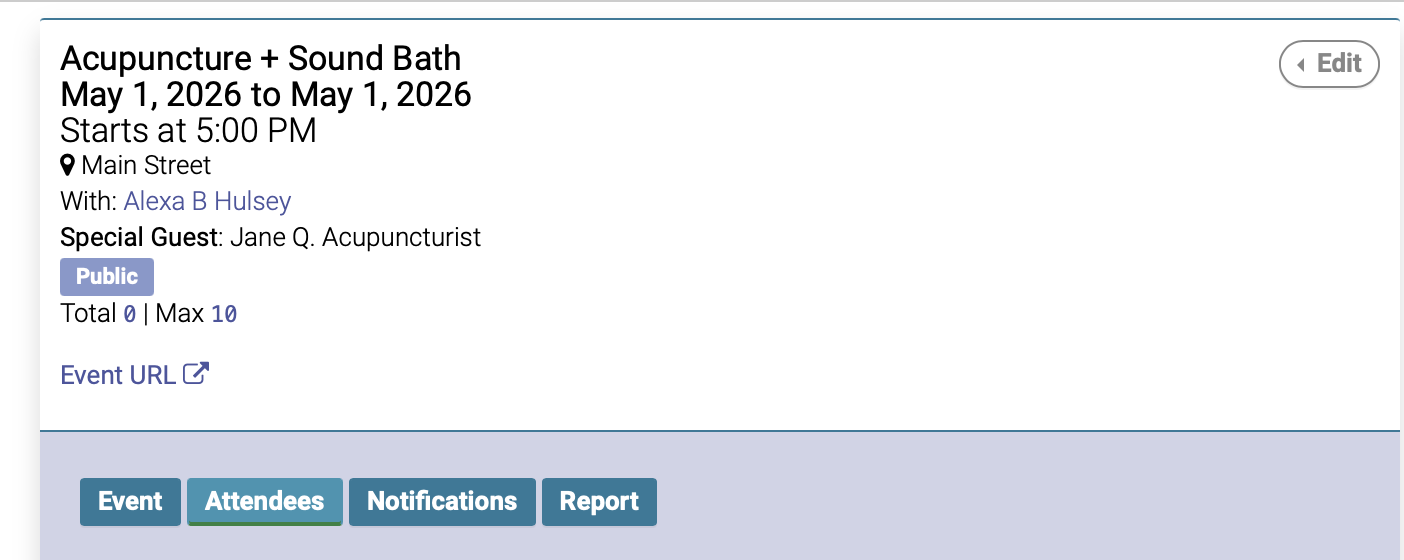
To register attendees for an event, navigate to the event date on the calendar, then click the Attendees tab:
If the attendee is an existing patient:
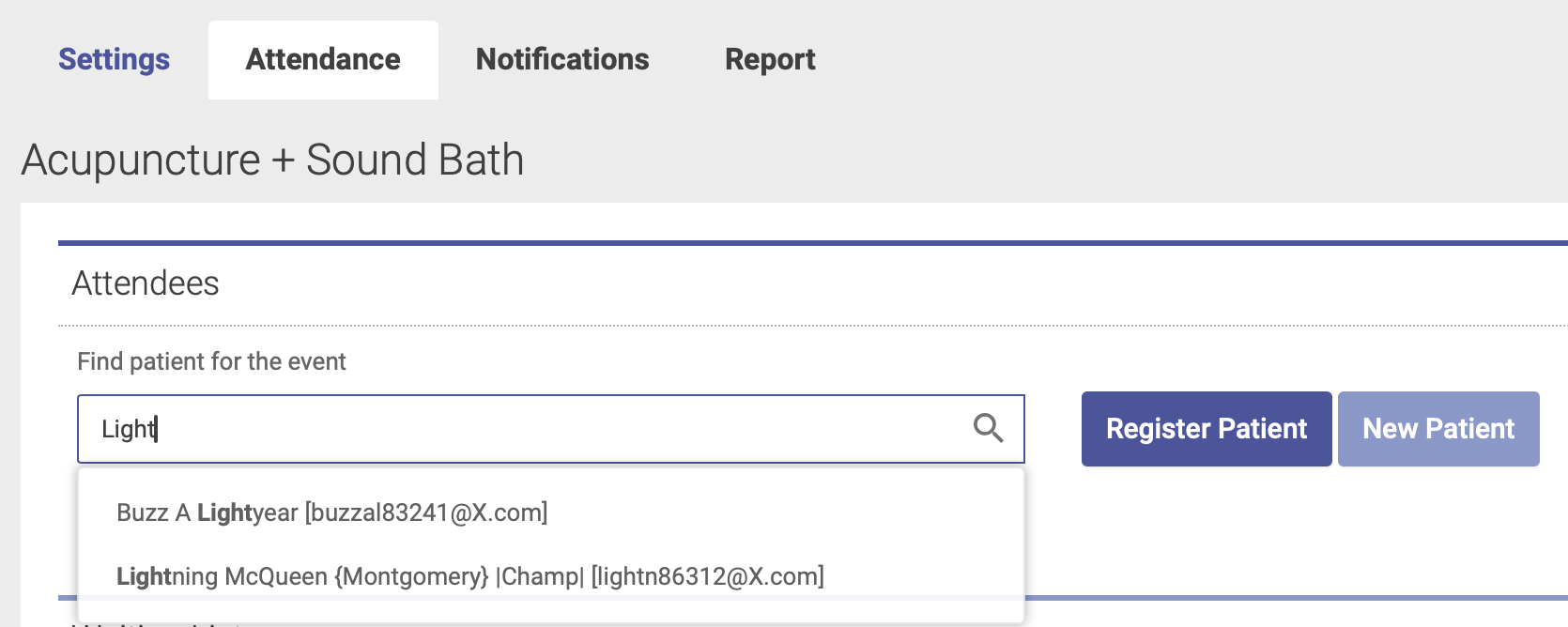
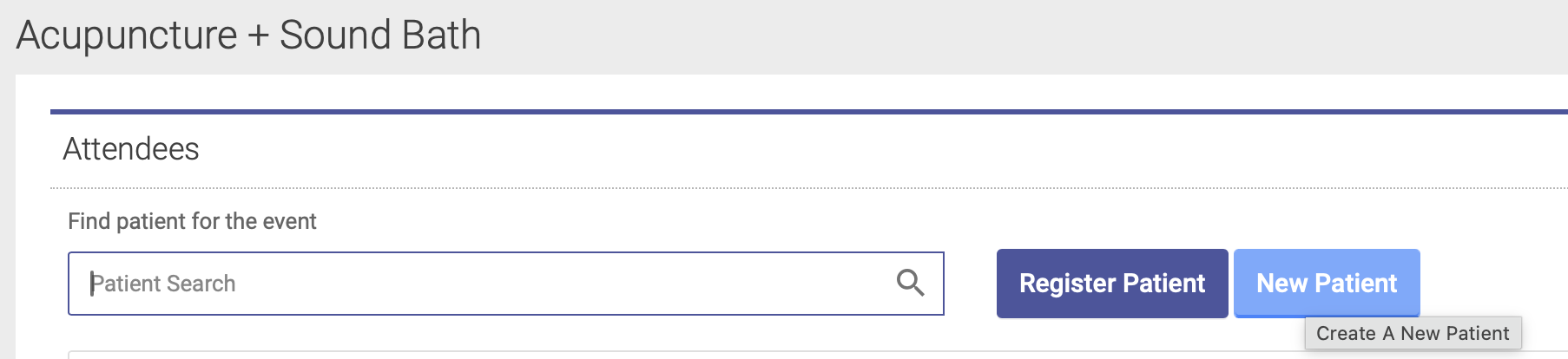
If the attendee is already an existing patient in your database, start typing their name into the Patient Search box:
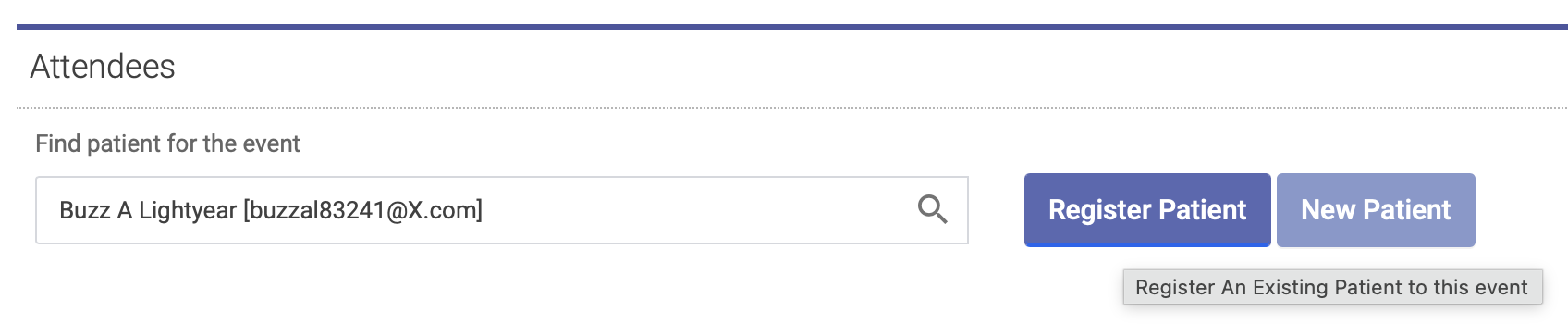
Then highlight their name, and click Register Patient - just like you would do for scheduling an appointment:
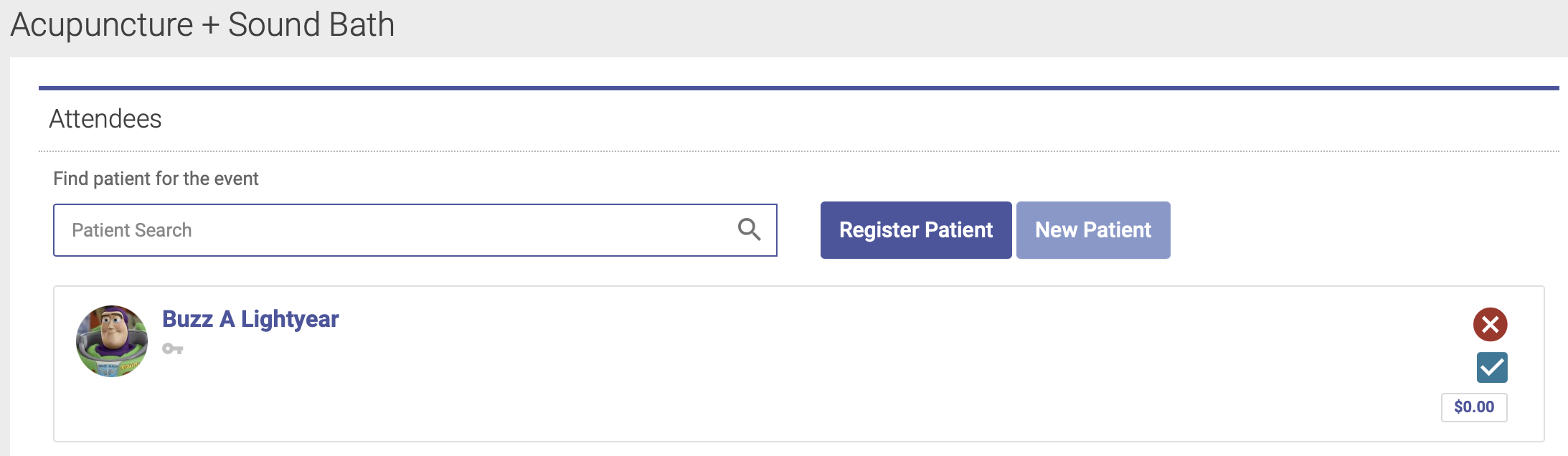
One the patient is registered, you'll see their name on the Attendees list:
If the attendee is NOT an existing patient:
If the attendee is not already an existing patient in your database, you'll first need to create a New Patient account for them. Click the New Patient button to create a new patient account:
You'll then be prompted to walk through the steps of adding them as a new patient. Once they're added to your database, you can then complete the registration steps like you would for an existing patient.
See This Article for information on how participants can register themselves for an event via the Event URL on the patient portal.