
Adding EHR Notes to an Event
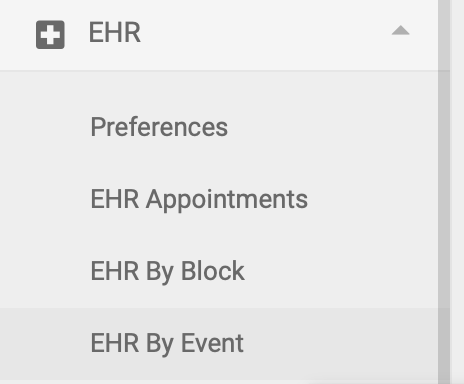
If your event includes EHR notes, the process is very similar to recording EHR notes for appointments. You'll record your notes on the EHR by Event page, which is on the left-hand side menu:
Note: only Users with Practitioner level access can add EHR notes to an Event.
Step 1:
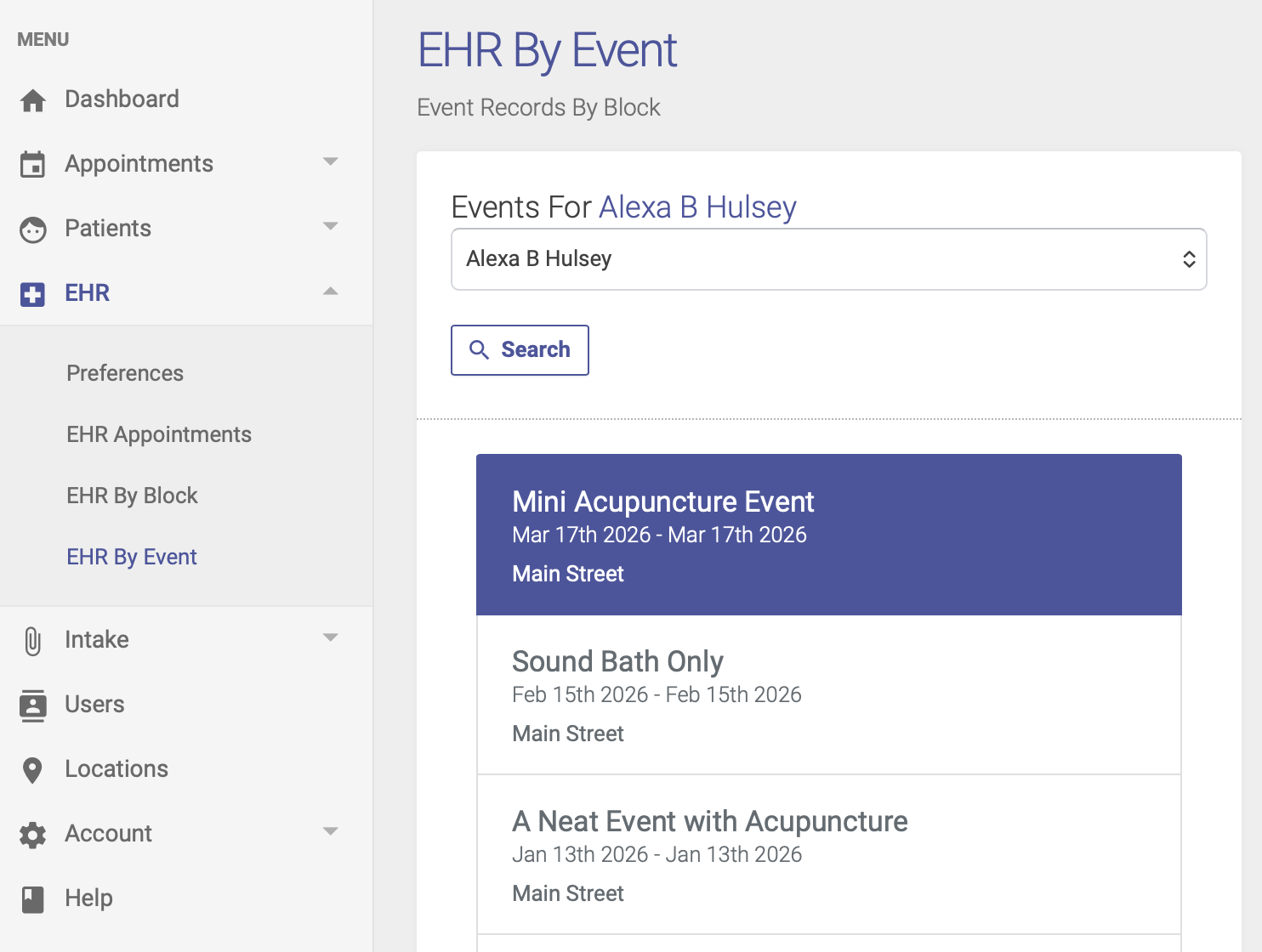
On the EHR Event page, click your Event title to highlight it and open the list of attendees on the right hand side of the page:
Step 2:
Once your list of attendees appears on the right hand side of the page, click the pencil icon to record your EHR notes for the event:
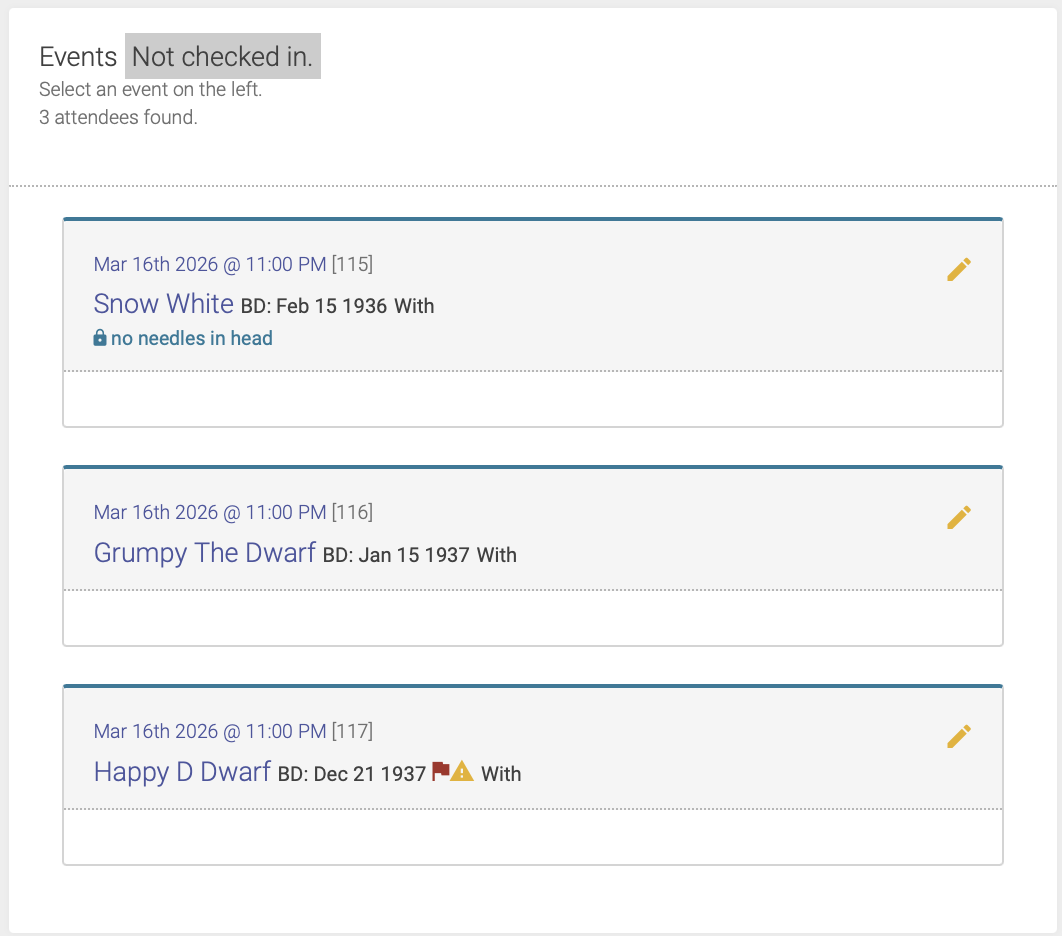
Note: You will only be able to enter EHR notes after the attendee has been checked in.
Step 3:
You can then enter your notes and points into the corresponding fields, just like you would for EHR notes for a regular appointment.
Once you've entered your notes, you'll click Save to save your notes, then Lock to approve and lock the record.