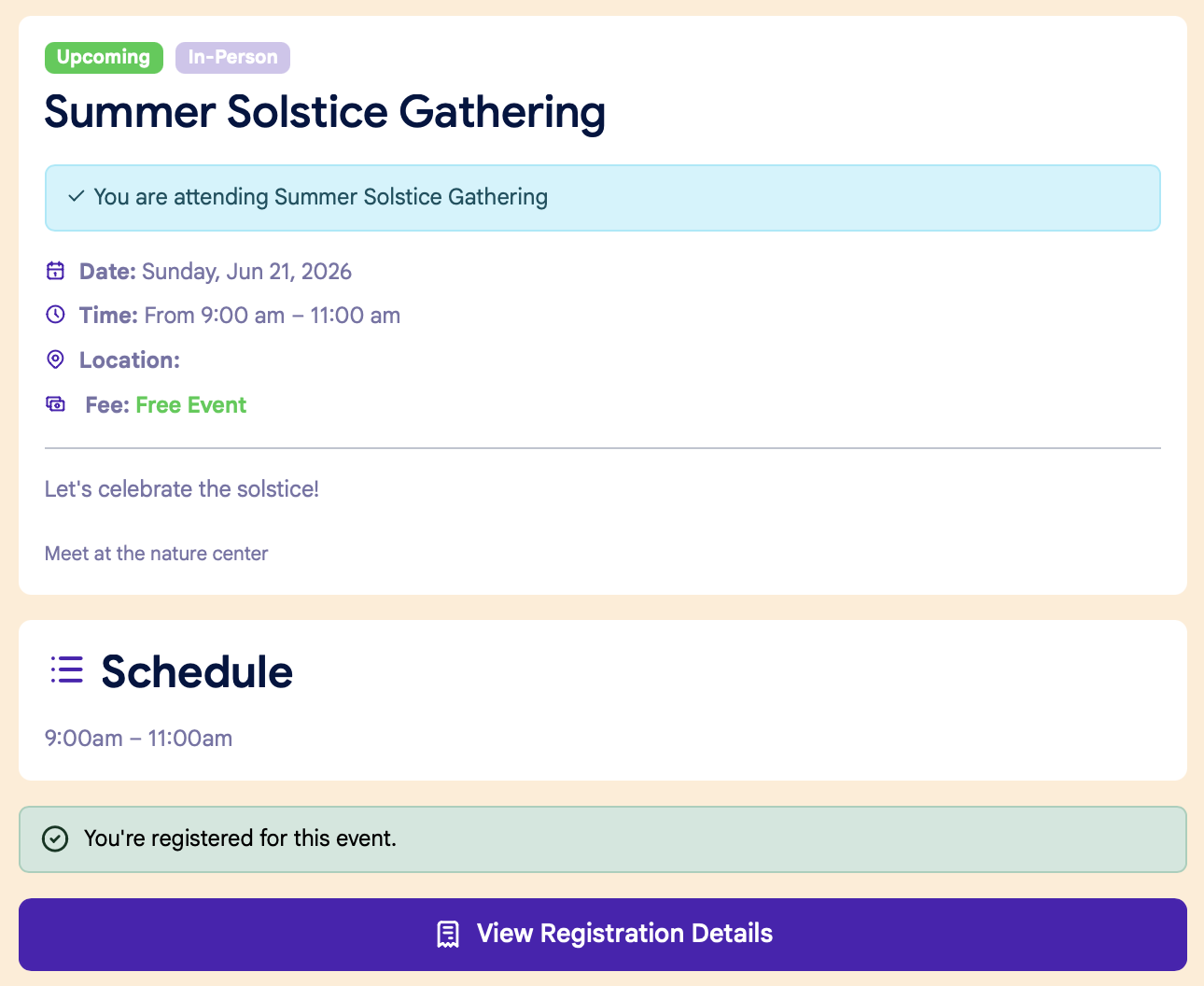
Registering for an Event: Patient Portal
Participants can register themselves for an event via the Event URL on the patient portal.
Step 1: Sign In
If you are not already signed in to your account, you can sign in on the clinic's Patient Portal home page.
Step 2: Event Page
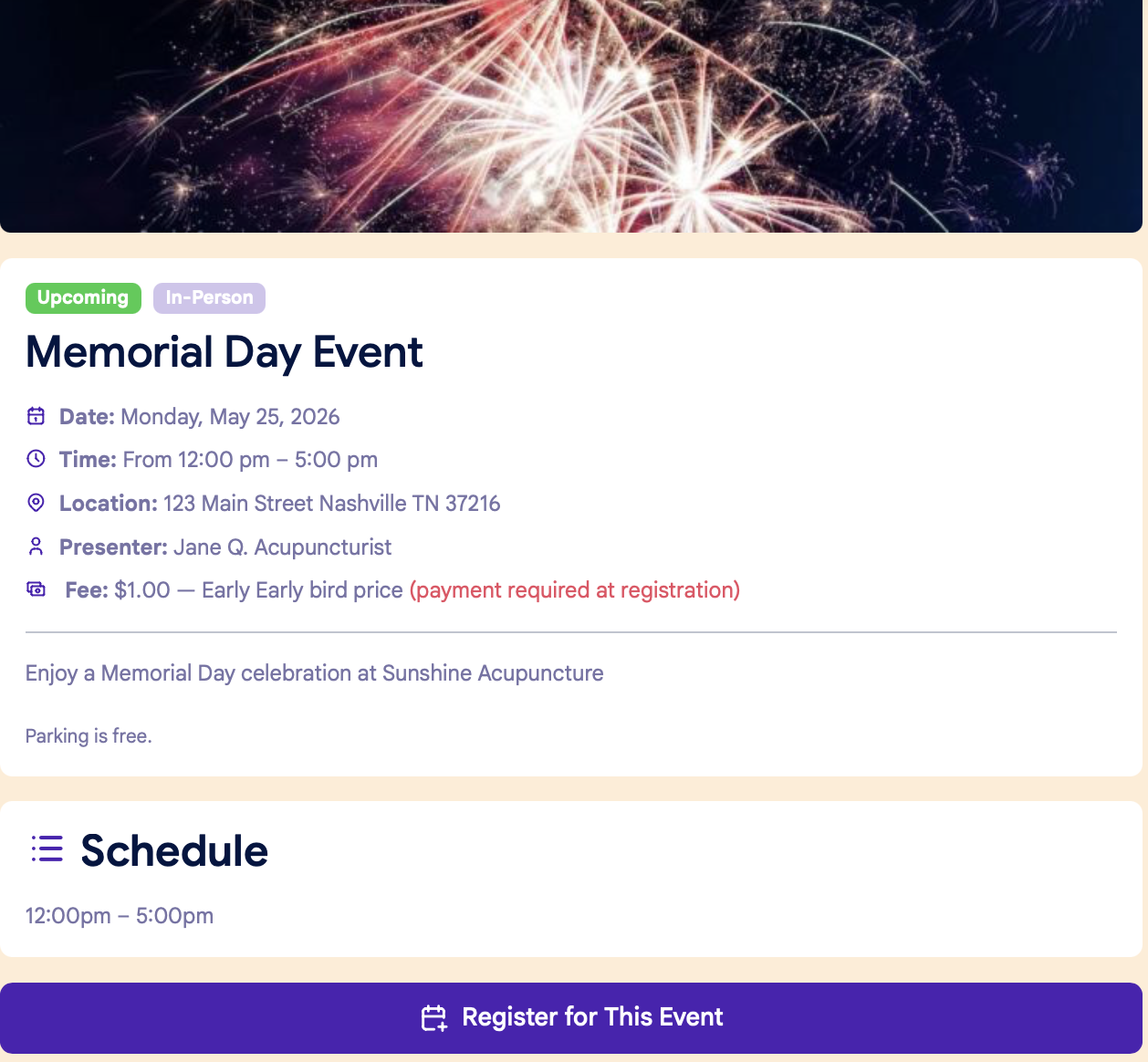
On the Event page, click the "Register for This Event" button at the bottom of the page:
Step 3: Confirm info
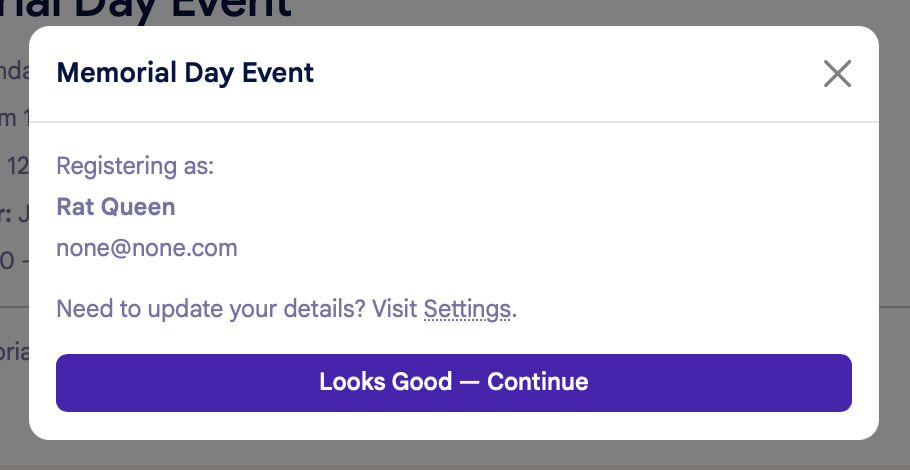
You'll see a popup window to confirm your information:
After the you confirms your information, the next step will vary based on payment options.
Free Events:
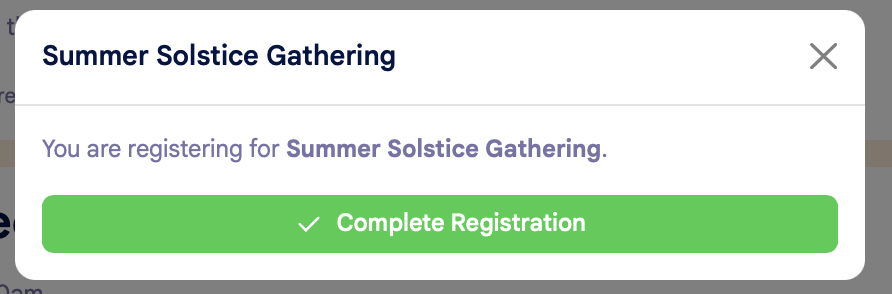
Click the green "Complete Registration" button to confirm your registration:
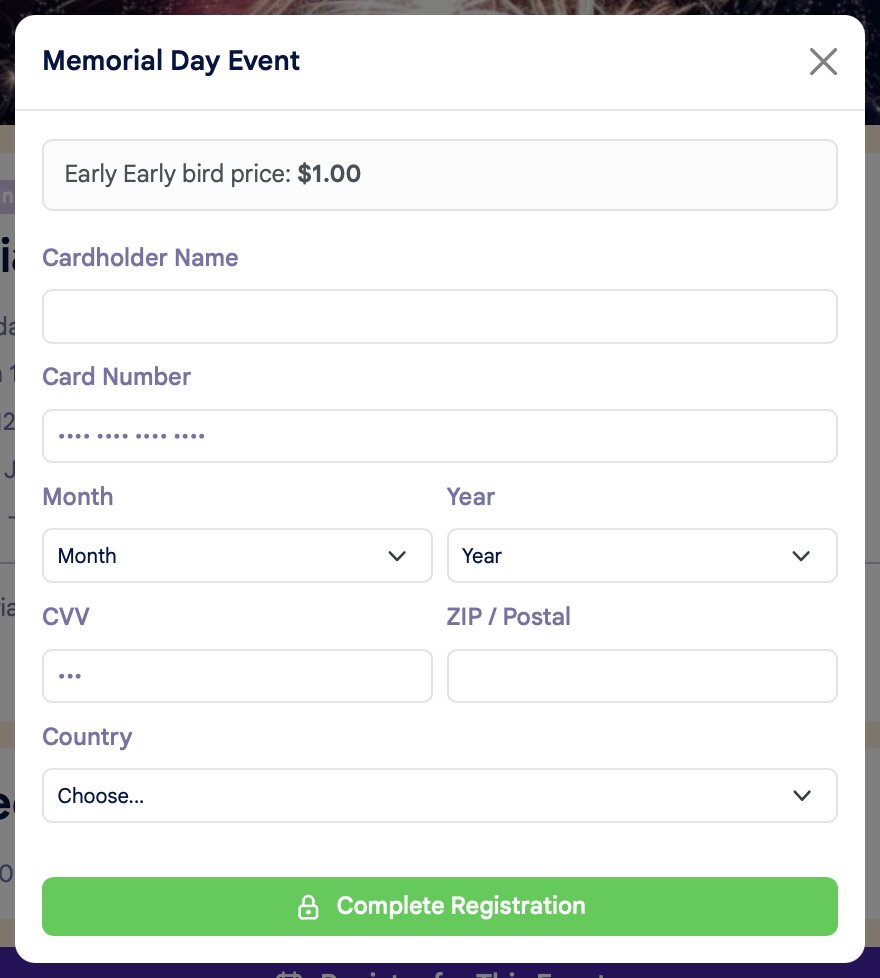
If prepayment is required and you do NOT have a card on file:
You'll be prompted to enter your credit card details to complete your registration:
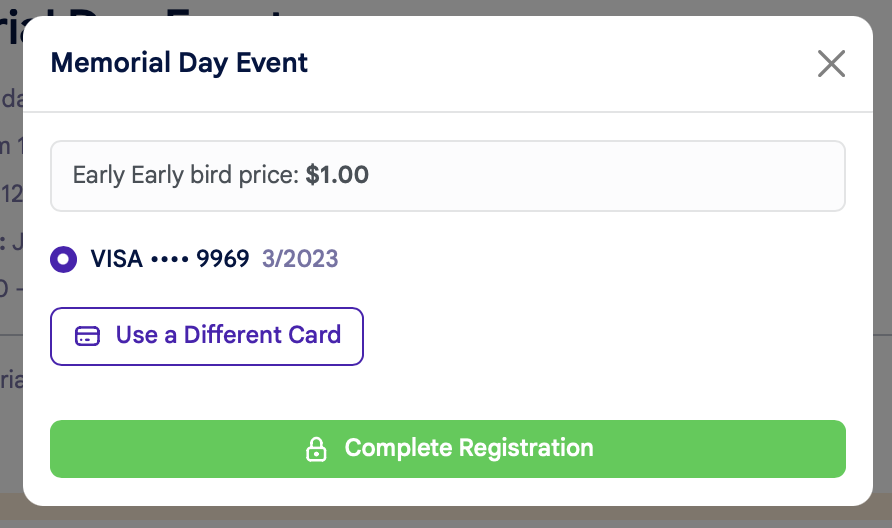
If prepayment is required and you DO have a card on file:
You'll be asked to confirm your credit card details, or you have the option to use another card:
Once you've completed your registration, you'll see a confirmation page: