Remove an Attendee from an Event
To remove a registered attendee from an Event, go to the Event date on the calendar and click the Attendees tab.
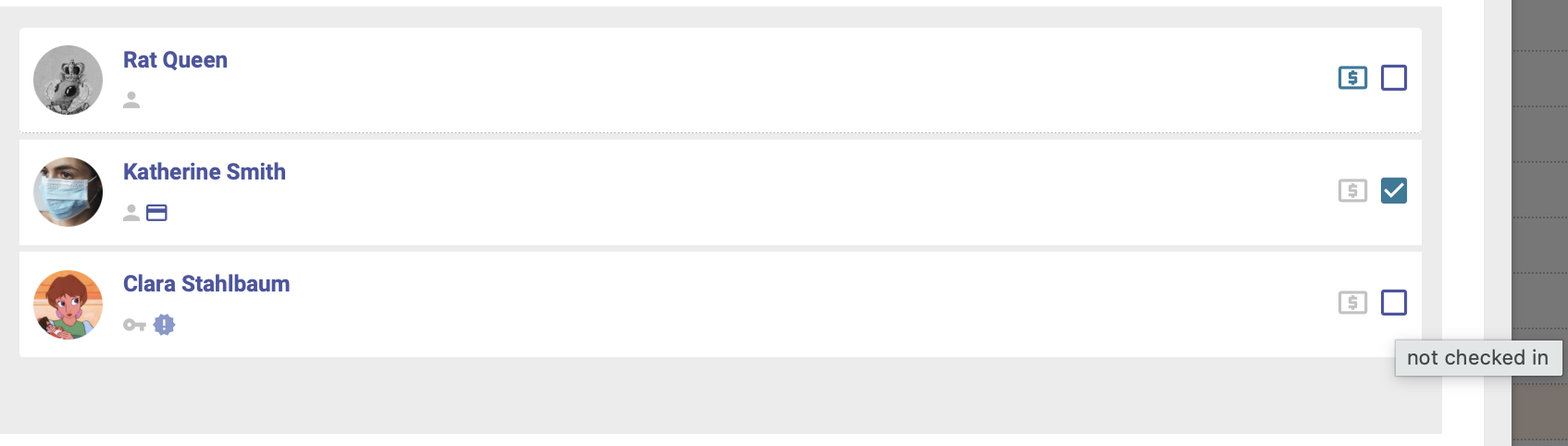
Select the attendee you'd like to remove by clicking the checkbox next to their name on the Attendees tab:
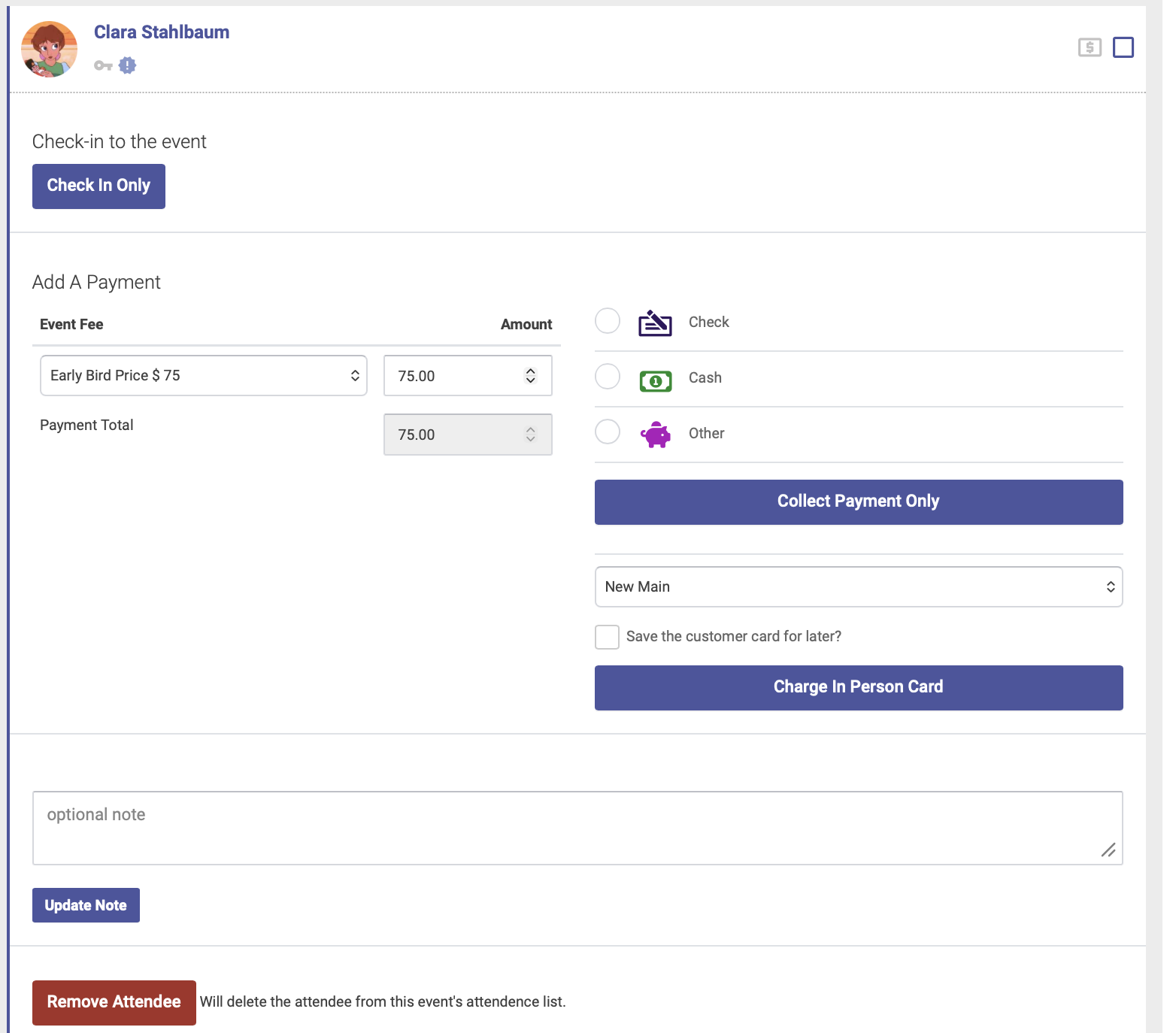
In the window that opens, click the red Remove Attendee button:
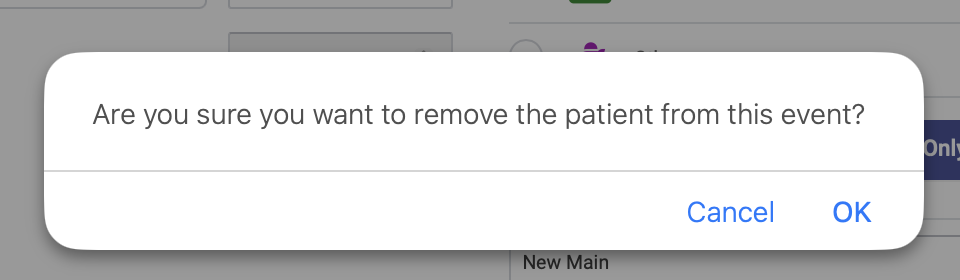
Click OK to confirm: